WPSPowerbox 3.0.2 – Addon for WPShapere WordPress Admin Theme
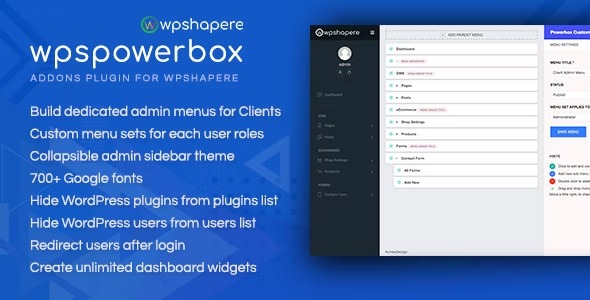
WPSPowerbox is an Addons plugin for WPShapere that adds unlimited dashboard widgets, hides users from the list, hides plugins, and redirects users after login for a cleaner admin experience. This WordPress tool enhances security and workflow with easy customization and Google Fonts integration. Type: WordPress.
Description
WPSPowerbox is an Addons plugin for WPShapere that helps you keep your WordPress admin area cleaner, safer, and easier to manage. It streamlines everyday workflows by adding unlimited dashboard widgets, so you can tailor the admin view without hitting layout limits. With privacy and visibility controls, it can hide users from the users list and hide plugins from the plugins screen. It also supports redirect behavior after login, helping route different users to the right place.
For content editors, WPSPowerbox can hide unwanted metaboxes on posts and pages to reduce clutter and keep focus on what matters. You also get easy customization options, including Google Fonts integration for a more consistent admin styling experience.
Main Features
- Unlimited dashboard widgets — Add more widgets to the WordPress dashboard without restricting your layout.
- Hide users from list — Remove user entries from the admin users list for a cleaner interface.
- Hide plugins from plugins list — Reduce visibility of installed plugins in the WordPress admin area.
- Redirect users after login — Send users to a preferred page immediately after authentication.
- Google Fonts integration — Apply Google Fonts for improved admin styling consistency.
- Hide unwanted metaboxes — Hide selected metaboxes on WordPress posts and pages to minimize distractions.
- Easy customization — Configure the plugin’s controls to match your preferred admin workflow.
Benefits
- Cleaner admin UX — Less clutter with unlimited widgets and hidden metaboxes makes daily tasks faster.
- Reduced exposure — Hiding users and plugins can lower unnecessary admin surface visibility.
- Streamlined login flow — Post-login redirects help improve navigation and reduce time spent finding the right screen.
- Better focus for editors — Metabox visibility control supports a more focused content editing experience.
- Consistent styling — Google Fonts help maintain a consistent look and feel across your admin interface.
Who is it suitable for?
- WooCommerce store administrators managing multiple dashboards and roles.
- WordPress site owners who want a less cluttered admin experience.
- Agencies using WordPress for multiple client projects and workflows.
- Content-heavy websites where editors benefit from reduced metabox distractions.
- Teams looking for cleaner user journeys after login in WordPress.