WPBookit Twilio SMS/WhatsApp Notification Addon 1.1.1
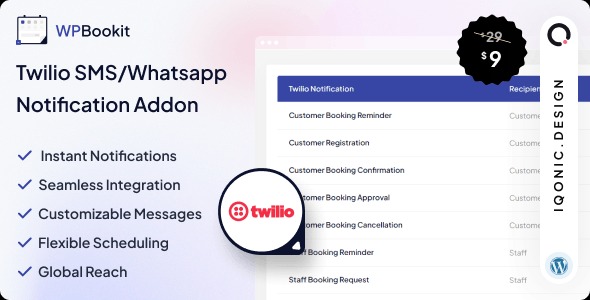
WPBookit Twilio SMS/WhatsApp Notification Addon lets you send SMS and WhatsApp alerts directly from WPBookit, keeping customers informed and boosting engagement. Instant, reliable notifications with seamless Twilio integration as the main benefit. Type: WordPress plugin.
Description
WPBookit Twilio SMS/WhatsApp Notification Addon is a WordPress plugin that extends WPBookit with built-in messaging alerts. It lets you notify customers through SMS and WhatsApp without leaving your WPBookit workflow. By using Twilio integration, the addon helps ensure that key updates reach recipients reliably and promptly.
Whether you’re confirming events or sharing booking-related information, this notification layer improves communication and keeps users informed as actions happen in your WordPress site.
Main Features
- SMS notifications from WPBookit — Send text message alerts directly tied to your WPBookit activity.
- WhatsApp notifications — Deliver updates through WhatsApp for recipients who prefer chat-based messaging.
- Twilio integration — Connect your Twilio setup so messages are routed through Twilio’s messaging services.
- Enable/disable notification channels — Choose whether to use SMS, WhatsApp, or both.
- Notification delivery through Twilio — Use Twilio’s infrastructure to reach recipients efficiently.
- WPBookit-first workflow — Manage messaging from within the WPBookit experience in WordPress.
- Customer communication continuity — Keep users updated using the channel that matches their expectations.
Benefits
- Higher engagement — Timely SMS/WhatsApp alerts encourage users to stay responsive after booking actions.
- Better user experience — Customers receive clear updates in the moments that matter, reducing uncertainty.
- Fewer missed messages — Twilio-backed delivery helps ensure notifications arrive when they’re needed.
- Smoother operations — Automated messaging reduces manual follow-ups for routine notifications.
- More consistent communication — Centralizing alerts through WPBookit keeps messaging aligned with your site’s flow.
Who is it suitable for?
- WooCommerce and WordPress businesses using WPBookit for bookings or scheduled actions
- Service providers that need SMS/WhatsApp updates for customers
- Agencies building client sites where reliable notification delivery matters
- Online schools and training platforms sending learner communication
- Event organizers who want prompt reminders and confirmations