WP Smart Fullscreen Menu 1.048
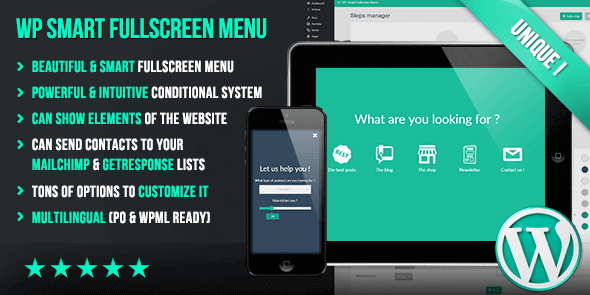
WP Smart Fullscreen Menu delivers a beautiful fullscreen menu for WordPress, powered by a visual conditional system that adapts steps based on defined conditions. It enhances user navigation and engagement, offering a crisp, responsive design and smart customization that fits your flow. Explore this WordPress plugin to unlock a bold, distraction-free menu.
Description
WP Smart Fullscreen Menu is a WordPress plugin that helps you create a beautiful fullscreen menu for your site. It solves the problem of traditional navigation taking up space and distracting users by turning key links into a clean, distraction-free overlay. Instead of a single fixed menu flow, the plugin uses a visual conditional system that adapts menu steps based on defined conditions. That means visitors can see navigation paths that match their context, improving clarity and engagement. Built for a crisp, responsive experience, it fits modern WordPress layouts and supports smarter menu customization without complex scripting.
Main Features
- Fullscreen menu layout — Displays navigation in an immersive fullscreen overlay.
- Visual conditional system — Build logic visually to control what menu content appears.
- Condition-based menu steps — Show different steps depending on the conditions you define.
- Step-driven navigation flow — Guides users through structured menu steps for clearer choices.
- Crisp, distraction-free design — Focuses attention on navigation elements instead of page clutter.
- Responsive behavior — Keeps the fullscreen menu usable across screen sizes.
- Smart customization — Adjust menu behavior to match how your visitors navigate your WordPress site.
Benefits
- Better user navigation — Helps visitors find what they need with a guided, fullscreen experience.
- More relevant menu choices — Condition-based steps reduce irrelevant options and improve decision-making.
- Improved UX focus — A distraction-free overlay keeps attention on navigation when it matters.
- Higher engagement — Visitors are more likely to interact when the menu flow feels tailored.
- Cleaner content management — Visual conditional building makes updates easier than writing custom logic.
Who is it suitable for?
- WordPress blogs and content sites that want clearer navigation on mobile.
- Landing pages and marketing sites needing contextual menu paths.
- Agencies building WordPress experiences for multiple audiences.
- E-commerce brands using WordPress navigation to guide browsing journeys.
- Site owners who want a fullscreen menu without complicated setup.
- Developers looking for a plugin-based conditional menu system.