WP OnlineSupport WP News and Scrolling Widgets 2.9
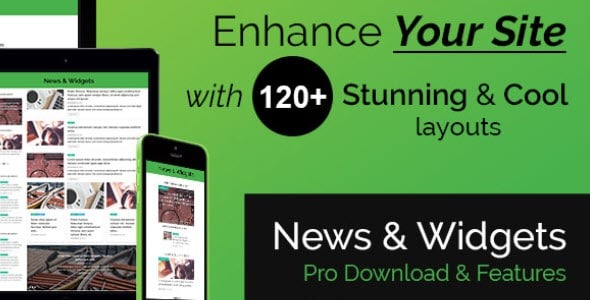
WP OnlineSupport WP News and Scrolling Widgets makes it easy to publish stylish news blocks on WordPress, with six shortcodes and seven widgets to design every layout. Customize with a dedicated CSS option and drag-and-drop order to arrange posts how you like, delivering fast, engaging content for your readers. Bonus: seamless integration and responsive design for dynamic news sections.
Description
WP OnlineSupport WP News and Scrolling Widgets is a WordPress plugin for publishing engaging news blocks on your site without complex layout work. It provides multiple widgets and shortcode options so you can present News posts in different designs and placements. Instead of rebuilding sections manually, you can control how content appears and in what order, then fine-tune styling with a dedicated Custom CSS option.
Whether you’re using a theme layout or building pages in Elementor, the plugin’s responsive output helps keep news sections readable on desktop and mobile. With drag-and-drop ordering and shortcode parameters, you can quickly update the feed to match your editorial flow.
Main Features
- Seven news widgets — Add styled news blocks to widget areas using seven different widget types.
- Six shortcode types — Insert news layouts anywhere with six shortcode designs.
- Shortcode parameters — Configure shortcode output to match the layout and content settings you need.
- Drag & drop order — Reorder News posts using drag-and-drop to control what appears first.
- Custom CSS option — Add your own CSS to overwrite plugin styling and align with your site theme.
- Responsive design — Ensures news blocks display cleanly across screen sizes.
- Multiple layout designs — Switch between different visual presentations for the same News posts.
- Easy content placement — Use widgets or shortcodes to place news sections across posts, pages, and templates.
Benefits
- More engaging UX — Different widget and shortcode designs make news sections easier to scan.
- Higher conversions — Clear, prominent news layouts can improve click-through to your content.
- Faster updates — Drag-and-drop ordering helps you keep the most relevant posts on top.
- Consistent branding — Custom CSS lets you match the plugin’s output to your theme styling.
- Better SEO signals — Structured, responsive news areas support improved user engagement and crawlable content flow.
Who is it suitable for?
- WooCommerce stores that want to highlight company news and updates.
- News, blog, and magazine websites featuring frequent News post publishing.
- Marketing and content teams needing quick visual variety for updates.
- Web agencies building consistent layouts across multiple client sites.
- Creators using WordPress page builders who prefer widget or shortcode-driven sections.
- Community sites that regularly publish announcements and scrolling news highlights.