
WooCommerce Products Gallery for Elementor 1.0
Description
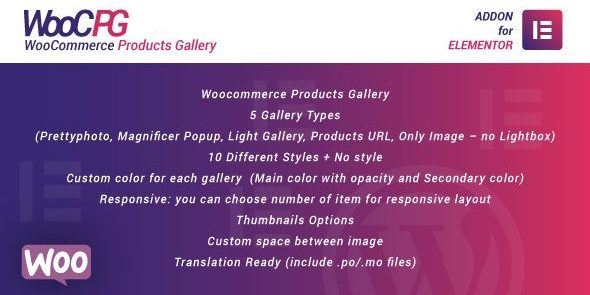
WooCommerce Products Gallery for Elementor is a WooCommerce plugin designed to help you display product visuals with Elementor, directly inside your WordPress pages. It solves the challenge of building an engaging, structured product gallery without relying on custom coding. With built-in gallery options, it lets you present WooCommerce items in multiple formats while keeping layouts responsive across devices. You can fine-tune visuals like colors, spacing, thumbnails, and animations to match your theme and storefront design.
Whether you need a lightbox-style gallery or a simpler image-only layout, this Elementor-compatible plugin provides ready-to-use gallery types and styles. It also supports translation files, making it easier to adapt for multilingual stores.
Main Features
- 5 gallery types — Switch between Prettyphoto, Magnific Popup, Light Gallery, Products URL, and Only Image (no lightbox).
- 10+ visual styles — Apply different gallery styles, including the option for no style.
- Custom color controls — Set a main color with opacity plus a secondary color for each gallery.
- Responsive layout options — Choose how many items appear at different responsive breakpoints.
- Thumbnail options — Enable and configure thumbnails to improve browsing of product images.
- Adjustable image spacing — Control the custom space between images for cleaner composition.
- Animation effects — Add animations to make gallery interactions feel smoother.
- Translation ready — Include .po/.mo files for easier localization.
Benefits
- More engaging product pages — Better presentation of product visuals through multiple gallery formats and styles.
- Improved user experience — Thumbnails and responsive layouts help shoppers find images quickly on any device.
- Consistent storefront branding — Custom colors and spacing help your gallery match your theme and design system.
- Higher interaction quality — Animations and gallery effects encourage exploration without clutter.
- Multilingual compatibility — Translation readiness supports stores that publish content in multiple languages.
Who is it suitable for?
- WooCommerce stores using Elementor to design product and category pages.
- Theme or template kit owners who want better image presentation without extra code.
- Agencies building responsive storefront layouts for multiple clients.
- Multilingual eCommerce sites that need translation-ready plugin elements.
- Content creators and product marketers managing visual-heavy catalogs.
- Online shops aiming for clearer product browsing with thumbnails and gallery layouts.
