
WooCommerce Password Protected Categories 2.8.3 – Barn2 Media
Description
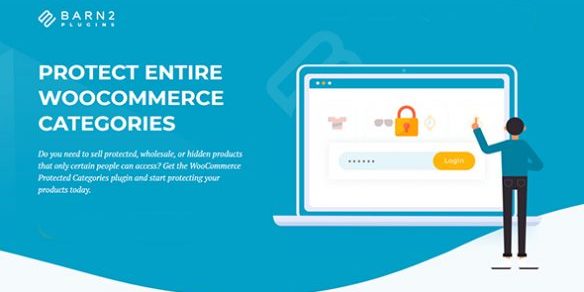
WooCommerce Password Protected Categories helps you secure sensitive parts of your WooCommerce catalog by protecting entire product categories with a password. Instead of leaving items visible to every shopper, you can keep specific collections private and only allow access to users who know the password. This plugin is designed for WordPress stores that need controlled visibility—such as wholesale or internal catalogs—while still using the standard WooCommerce category structure.
With straightforward setup inside your WordPress admin, it integrates with your store’s browsing experience so you can manage what’s shown on category pages and listings. It’s a practical way to reduce accidental exposure, support selective sharing, and keep your storefront organized around public and private product areas.
Main Features
- Password protection for categories — Lock whole WooCommerce product categories behind a password.
- Private category mode — Make protected categories private and not openly displayed to shoppers.
- Category-level access control — Choose which category pages require authentication.
- Seamless WooCommerce integration — Works directly with WooCommerce’s category structure and templates.
- Manage visibility from WordPress — Configure protection from the WordPress/WooCommerce admin workflow.
- Easy, quick setup — Get categories secured without complex configuration steps.
- Controlled access for visitors — Users must enter the correct password to view protected category contents.
Benefits
- Reduced content exposure — Sensitive products stay hidden from unauthorized shoppers.
- Better storefront clarity — Visitors see only public categories, improving browsing UX.
- Higher conversion alignment — The right audience reaches the right catalog sections without distraction.
- Simple access management — Maintain control over which categories are private and when.
- Organized catalog strategy — Separate public vs. private items using consistent WooCommerce category navigation.
Who is it suitable for?
- WooCommerce stores with wholesale or gated catalogs
- Membership-style product collections where categories should remain hidden
- Agencies and web teams managing client-specific private catalogs
- Educational or training product stores that share certain categories selectively
- Companies keeping confidential or internal offers off the public storefront
- Website owners running multiple catalog segments (public and private)
