Wiloke Icon Box Envy For Elementor 1.0.17
Description
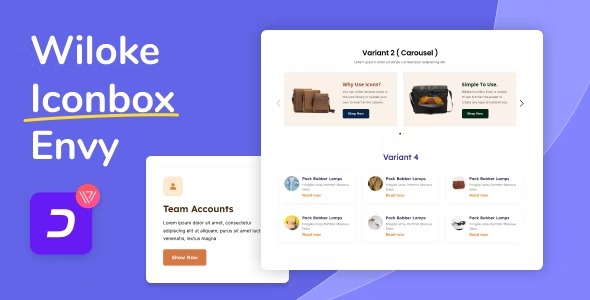
Wiloke Icon Box Envy For Elementor is a WordPress plugin designed to help you build standout icon box sections using Elementor. It focuses on solving a common design workflow problem: creating visually appealing, well-structured content without starting from scratch. With flexible column layouts and customization options, you can shape sections that match your brand and page goals. The plugin integrates directly with Elementor, so you can create and refine layouts in the same editor you already use for landing pages and posts.
Whether you’re composing service blocks, feature highlights, or marketing sections, Icon Box Envy streamlines the process by providing intuitive controls and ready-made styles. This makes it easier to publish content that looks consistent, engaging, and thoughtfully designed.
Main Features
- Diverse column layouts — Choose from multiple column styles to structure your icon box content.
- Elementor integration — Use the plugin within the Elementor editor for a smoother page-building workflow.
- Flexible customization — Adjust layout and styling options to fit different design needs and sections.
- Ready-made styles — Start from pre-designed looks and refine them for your website.
- Intuitive configuration controls — Set up icon box settings without complex steps.
- Visual design consistency — Maintain a cohesive section look across multiple items and columns.
- Layout-focused editing — Build content blocks quickly by focusing on structure first.
- Reusable section patterns — Create dependable icon box sections you can replicate across pages.
Benefits
- Faster page creation — Ready-made styles and clear controls reduce time spent on layout setup.
- Better UX presentation — Organized icon box layouts improve how visitors scan and understand content.
- More design flexibility — Customization options help you align sections with your theme and branding.
- Higher engagement — Eye-catching, consistent blocks can encourage visitors to keep exploring.
- Streamlined Elementor workflow — Staying inside Elementor makes iteration simpler as you fine-tune sections.
Who is it suitable for?
- WooCommerce store owners building product and service feature sections
- Bloggers and content creators who publish conversion-focused landing pages
- Web agencies designing multiple Elementor-based client sites
- Marketers creating structured promo blocks for campaigns and announcements
- Freelancers who need reusable, design-consistent layout sections