Wiloke Flipbox for Elementor 1.0.24
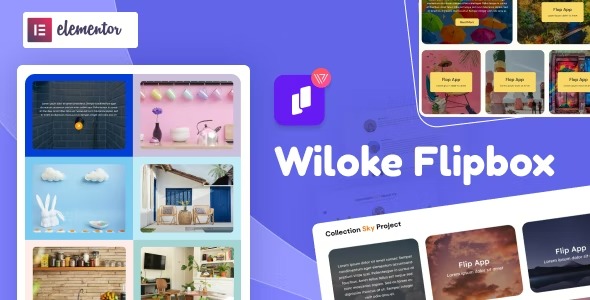
Wiloke Flipbox for Elementor transforms your Wordpress site with eye-catching flipping boxes in seconds, letting you display text, images, and CTA with a simple setup. Its seamless Elementor integration and easy customization save time and boost conversions. Explore this playful, fast design tool today.
Description
Wiloke Flipbox for Elementor is a WordPress plugin designed to add flipping boxes to your site in seconds. With an intuitive Elementor add-on workflow, you can present key information in a compact, interactive layout that draws attention without cluttering your pages.
You can combine text, images, and a CTA button inside each flipbox, then customize the content to match your branding. It’s a practical way to improve page storytelling and encourage action while keeping your editing process fast in Elementor and your existing theme or template kit.
Main Features
- Flipbox effect — Displays content with a clear front-to-back flip interaction.
- Elementor integration — Works directly in the Elementor editor for a smooth page-building workflow.
- Text content setup — Add and format short lines of messaging for services, features, or highlights.
- Image support — Upload and place images to make each flipbox visually engaging.
- CTA button option — Include a call-to-action button to guide visitors toward next steps.
- Quick configuration — Create flipbox blocks with minimal setup effort.
- Easy customization — Adjust flipbox content and presentation to fit your design needs.
- Reusable layout blocks — Build consistent flipbox sections across pages using the Elementor workflow.
Benefits
- Higher conversions — Clear CTAs help more visitors take the intended action.
- Better UX — Interactive flipping boxes present information in a scannable, engaging format.
- Faster page production — Build and edit flipbox sections quickly inside Elementor.
- Improved engagement — Visual text-and-image combinations capture attention longer than plain blocks.
- More consistent branding — Custom content supports cohesive design across your WordPress site.
Who is it suitable for?
- WordPress site owners using Elementor for landing pages
- WooCommerce stores creating product or feature highlight sections
- Marketing agencies building client page layouts
- Content creators designing portfolios, tutorials, or resource pages
- Small businesses updating services pages with interactive modules