Whelp 1.0 – JQuery WhatsApp Help Chat Plugin
Description
Whelp is a WordPress plugin that adds a simple WhatsApp help chat so visitors can contact your support team directly. Instead of redirecting people to forms or contact pages, it lets users send WhatsApp messages with just a tap, helping you respond faster and keep conversations moving. It’s designed to be lightweight and easy to embed in your existing WordPress theme or template. With three ready-to-use layouts, you can match the chat widget to your site’s look while maintaining a consistent visitor experience.
For teams that want a more direct support channel, Whelp provides an approachable way to increase engagement and reduce friction during customer outreach. The plugin is based on a jQuery WhatsApp chat approach and supports selecting the contact options within its template layouts.
Main Features
- WhatsApp chat widget — Displays a WhatsApp help chat entry point for site visitors.
- Direct messaging to support — Sends visitors’ messages straight to your support team via WhatsApp.
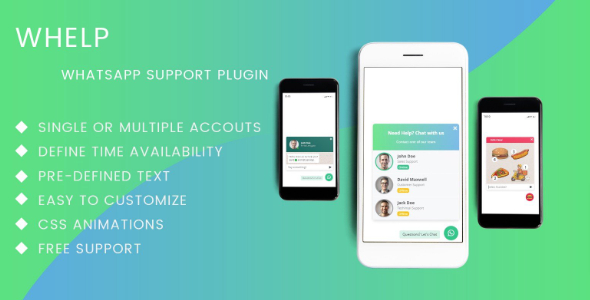
- Three ready-to-use layouts — Offers multiple interface styles to fit different site designs.
- Theme/template integration — Can be added into your existing WordPress template or theme setup.
- Lightweight user experience — Designed to stay simple and not overwhelm your pages.
- Contact selection inside layouts — Lets you choose who visitors message through the provided template options.
- Quick visitor outreach — Encourages faster contact by minimizing steps to start a chat.
Benefits
- Higher engagement — Prompts visitors to reach out without leaving the page.
- Faster response flow — Reduces delays by sending WhatsApp messages directly to support.
- Improved customer satisfaction — Helps people get answers through a familiar messaging channel.
- Better conversions — Supports smoother pre-purchase communication for motivated users.
- Consistent UX — Layout options help the chat element blend naturally with your theme.
Who is it suitable for?
- WooCommerce stores and product websites
- Service businesses that handle customer questions in real time
- WordPress agencies managing multiple client sites
- Online booking and appointment platforms
- Content sites needing a simple visitor contact path
- Small support teams that prefer WhatsApp for communication