Videor 1.1.3 – Video Clipping Mask for Elementor
Description
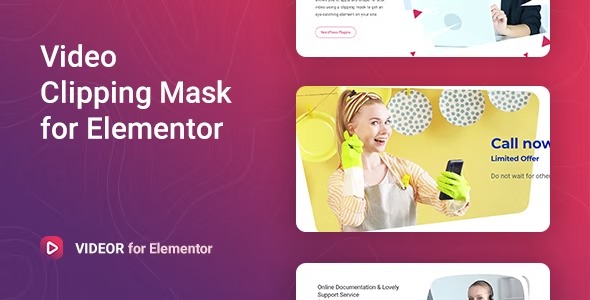
Videor is a WordPress plugin that transforms your site’s media with stylish video shapes created using clipping masks. Instead of using videos in a standard rectangle, you can apply custom shapes to make the visual feel more intentional and brand-aligned. It also supports video background usage for text and other blocks, helping your content stand out and stay readable. If you want a design-forward way to capture attention, Videor makes it easy to add engaging video elements within your WordPress pages.
With a workflow focused on placement and visual styling, Videor helps you communicate your message through motion—without turning your layout into a complicated project. Use it to make hero sections, banners, and content blocks more memorable while keeping the experience smooth for visitors.
Main Features
- Clipping mask video shapes — Apply clipping masks to present videos in chosen shapes.
- Custom shaped video elements — Turn standard video embeds into eye-catching visual components.
- Video background for text — Use video backgrounds behind text to amplify key messaging.
- Video background for blocks — Add motion backgrounds to other page blocks for stronger emphasis.
- Easy-to-use setup — Configure video shape and background styling in a simple, design-focused workflow.
- WordPress integration — Use the plugin within your WordPress site to build pages and sections.
Benefits
- More engaging visuals — Shaped video elements draw attention and encourage exploration.
- Clearer message emphasis — Video backgrounds help important text and sections stand out.
- Better on-page UX — Integrating motion into layout improves visual flow when used intentionally.
- Higher interaction likelihood — More compelling hero and banner presentations can support stronger engagement signals.
- Design consistency — Using consistent shapes and backgrounds helps maintain a cohesive look across pages.
Who is it suitable for?
- WordPress site owners updating landing pages and hero sections
- Marketing and creative teams building attention-focused campaigns
- Agencies creating media-driven visuals for multiple client sites
- Content creators enhancing blog and portfolio layouts with video
- Online businesses wanting more memorable product and announcement sections