vChat 2.0.0 – Viber Chat Support WordPress Plugin
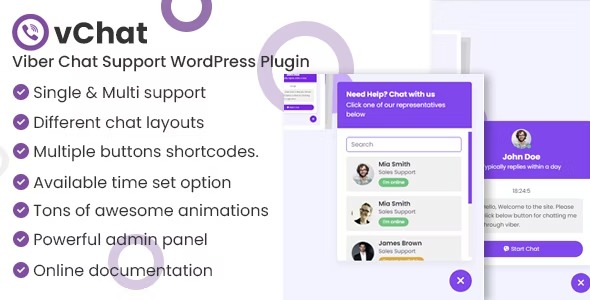
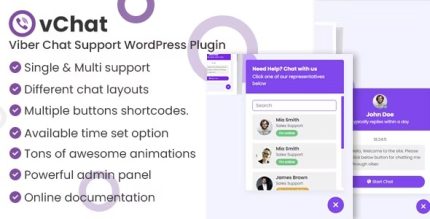
vChat is a WordPress plugin that lets customers start a conversation via Viber with a click from your site. It delivers seamless, direct communication by opening Viber on mobile or desktop, boosting response rates and customer satisfaction. With multiple layouts, timing controls, and engaging animations, you can tailor the chat to fit your brand and schedule.
Description
vChat is a WordPress plugin that lets site visitors start a conversation through Viber with a single click. Instead of redirecting users to separate contact pages, it opens a chat using your Viber phone number directly from your site. This helps you respond faster and keep support communication simple across mobile and desktop.
With customizable layouts, timing controls, and interactive animations, you can tailor how the Viber chat button or bubble appears and when it’s available. The plugin is designed to trigger the Viber app automatically for users who have Viber installed, improving the overall experience on your WordPress website.
Main Features
- Click-to-chat Viber button — Visitors can tap a button or bubble to open a conversation from your site to your Viber number.
- Multiple Viber chat layouts — Choose from different layout styles for the Viber button/bubble presentation.
- Configurable Viber button types — Set up Viber chat options using various button/bubble configurations provided by the plugin.
- Availability timing controls — Define when the chat should be shown as available based on your schedule.
- Support manager time settings — Configure available time for your support manager, separate from your own schedule.
- Automatic app opening — On mobile or desktop, the plugin opens the user’s Viber app when Viber is installed.
- Animation options — Select from a range of engaging animations for the chat element to match your page design.
- Options panel — Use the plugin’s settings panel to manage layout, timing, and visual behavior in one place.
Benefits
- Faster responses — Reduces friction by moving users from your site to Viber instantly.
- Higher engagement — Clear chat prompts and animations encourage more visitors to start conversations.
- Better customer satisfaction — Keeps communication direct and consistent across devices.
- Smarter availability — Timing controls help set expectations so chat is offered during intended hours.
- Improved UX — A single click experience streamlines support and reduces bounce from contact pages.
- Brand-aligned presentation — Layout choices let the Viber chat element fit your site’s look and feel.
Who is it suitable for?
- WooCommerce stores looking to improve pre-sale and support communication.
- Service businesses that handle inbound customer questions via chat.
- Web agencies and freelancers managing multiple WordPress client sites.
- Online course providers coordinating student support and quick clarifications.
- Small teams with defined support hours who want clear chat availability.
- Content creators running WordPress sites that want a simple contact channel.