User Avatar 5.0.1 – Plugin for WordPress
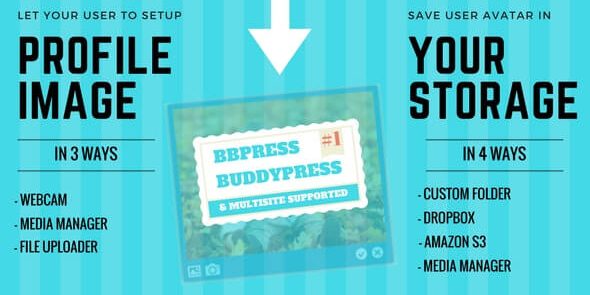
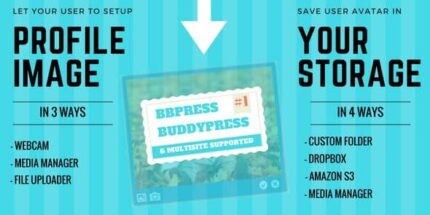
User Avatar is a WordPress plugin that lets you create and manage profile images across WooCommerce, bbPress, BuddyPress, and multisite. Store avatars in Dropbox, Amazon S3, Media Manager, or a custom folder for fast delivery, easy backups, and seamless cross-platform consistency.
Description
User Avatar is a WordPress plugin for creating and managing profile images that works across WooCommerce, bbPress, and BuddyPress, including WordPress multisite. It helps you keep user identity consistent across storefronts, forums, and social areas without handling separate avatar setups. You can centralize avatar files in external or internal storage for faster delivery and easier organization. The plugin supports multiple destinations such as Dropbox, Amazon S3, WordPress Media Manager, or a custom folder to match your site workflow. This is useful when you want consistent avatars across platforms and reliable reuse of image files.
Main Features
- Avatar creation and management — Build and update user profile images from your WordPress site.
- WooCommerce avatar integration — Show avatars where customers interact in your WooCommerce experience.
- bbPress forum avatars — Display consistent user avatars on bbPress topics and replies.
- BuddyPress member avatars — Render profile images for BuddyPress members and activities.
- Multisite support — Use the same avatar workflow across a WordPress multisite network.
- Dropbox storage — Store avatar files in Dropbox for centralized remote hosting.
- Amazon S3 storage — Keep avatar assets in Amazon S3 for scalable file delivery.
- Media Manager and custom folder — Save avatars in WordPress Media Manager or a custom directory.
- Cross-platform consistency — Reuse the same avatar images across supported WordPress features.
Benefits
- More consistent UX — Users see the same profile image across WooCommerce, bbPress, and BuddyPress.
- Simpler avatar handling — Manage images in one plugin workflow instead of separate setups.
- Faster image delivery — Use remote storage locations designed for efficient file serving.
- Backup-friendly organization — Keep avatar files in external storage options to support safer asset management.
- Scales with your network — Storage flexibility helps support growth across multisite and multiple user areas.
Who is it suitable for?
- WooCommerce stores that want consistent customer avatars
- bbPress communities looking to improve member identity
- BuddyPress social platforms with profiles and activity streams
- WordPress multisite networks standardizing user imagery
- Agencies managing multiple WordPress environments
- Teams that prefer centralized avatar storage (Dropbox, Amazon S3, custom folders)