Ultimate Dashboard PRO 3.11.4

Description
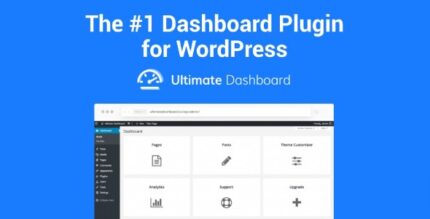
Ultimate Dashboard PRO is a WordPress admin dashboard plugin that helps you take full control of the WordPress backend. It removes default and third-party dashboard widgets so editors and admins see a cleaner, more focused workspace. Instead of cluttered screens, you can build a streamlined dashboard experience using PRO widgets tailored to your workflow. It also supports advanced customization for login, menus, and admin pages, making day-to-day management easier across teams.
Designed for practical admin use, it includes multisite support and white-label options to keep client or internal environments consistent. With role-aware controls and page builder support, you can adapt the dashboard layout without forcing users to navigate unnecessary elements.
Main Features
- Remove 3rd Party Widgets — Eliminate unwanted dashboard widgets for a cleaner admin interface.
- PRO Widgets — Add configurable widgets to build a dashboard that matches your process.
- Advanced Login Customizer — Customize the login experience for a more consistent entry flow.
- User Role Access — Show or restrict dashboard areas based on user roles.
- Admin Menu Editor — Edit the admin menu structure to reduce navigation friction.
- Page Builder Support — Build and arrange admin pages with page builder workflows.
- Multisite Support — Manage the dashboard experience across a WordPress multisite network.
- Custom Admin Pages — Create dedicated admin pages for key tasks and views.
- White Label WordPress — Apply white-label branding for a tailored client-facing backend.
Benefits
- Faster daily workflows — Reduce clutter so admins spend less time searching and more time managing.
- Better UX for editors — Role-aware dashboard layouts improve clarity and reduce confusion.
- Cleaner admin screens — Removing third-party widgets helps keep the dashboard focused and consistent.
- Improved consistency — White-label and multisite support maintain the same experience across sites.
- Smarter navigation — Menu editing and custom admin pages streamline access to frequently used areas.
Who is it suitable for?
- WooCommerce store administrators managing multiple workflows in WordPress.
- Content teams and editors who need a simplified dashboard experience.
- Agencies maintaining WordPress sites for multiple clients and brands.
- WordPress multisite operators standardizing backend UI across a network.
- Site owners who want role-based access and cleaner admin navigation.
- Developers building custom admin interfaces with page builder-based layouts.