Timeliner 1.0.7 – Timeline for Elementor
Description
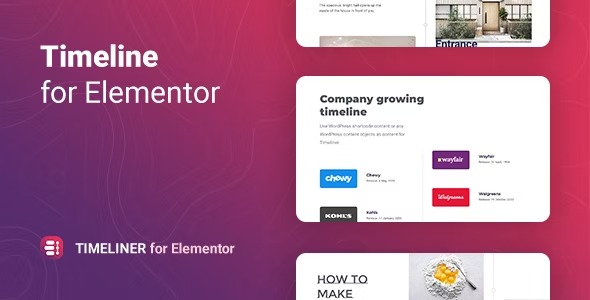
Timeliner is a lightweight WordPress plugin built for Elementor that helps you present content as an interactive timeline. It’s designed to solve the “where do I place this story?” problem by arranging events, history, or projects in a clear chronological layout. You can display timelines in a horizontal or vertical format, with responsive auto-switching based on a screen-width setting. With custom timeline entries, it becomes easier to guide visitors through key moments while keeping your pages organized and easy to scan.
Use Elementor workflows to tailor each entry’s Image, Title, Description, and optional Button, and adjust what appears on each screen. Timeliner supports multiple timelines per site, making it suitable for personal, corporate, portfolio, and news-style pages that need narrative structure.
Main Features
- Horizontal and vertical timeline layouts — Choose the orientation that best fits your page design.
- Responsive auto-switching — Automatically change from horizontal to vertical at a screen width you specify.
- Custom entry content — Add Image, Title, Description, and Button for each timeline item.
- Flexible element management — Create, delete, reorder, or copy timeline elements to match your workflow.
- Configurable entries per screen — Control how many timeline entries are displayed depending on the viewport.
- Selectable first item — Set which timeline entry appears first for a more intentional narrative order.
- Multiple storylines — Build as many timelines as your website project requires.
- Element-based display layout — Structure the timeline block by adjusting the included components per entry.
Benefits
- Clear storytelling — Presents events in chronological order for better comprehension and engagement.
- Improved UX on mobile — Responsive switching keeps the timeline readable across devices.
- Higher interaction — Optional buttons help visitors take next steps within each milestone.
- Cleaner page structure — Consistent timeline formatting reduces clutter compared to scattered content blocks.
- Better conversion paths — Structured narratives make it easier to move users from story to action.
- Effortless customization — Elementor-friendly settings allow quick updates without rebuilding layouts.
Who is it suitable for?
- WooCommerce stores showcasing product evolution or brand milestones
- Portfolio and agency websites presenting projects and case-study timelines
- Corporate websites and company history pages
- News portals and content hubs with event-based chronologies
- Personal blogs and creator websites for experiences, releases, or achievements
- Training, course, or workshop sites that need structured learning timelines