TaxoPress Pro 3.55.0
Description
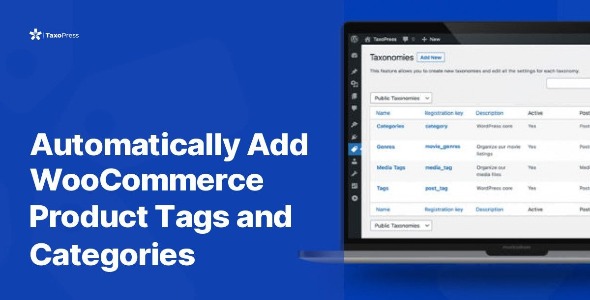
TaxoPress Pro is a WordPress plugin designed to help you create, organize, and present content using custom taxonomies. It solves the problem of scattered categories and tags by letting you structure your WordPress site in a way that matches how visitors search and browse. With TaxoPress Pro, you can set up new taxonomy types, configure their settings, and assign them to multiple post types. The plugin also helps streamline your admin workflow by customizing how taxonomy-related data is displayed across the WordPress dashboard.
By providing consistent tagging and taxonomy organization across post types, TaxoPress Pro supports clearer navigation and more findable content—an approach that can also contribute to better SEO practices through improved information architecture.
Main Features
- Create custom taxonomies — Build new taxonomy types tailored to your content structure.
- Edit taxonomy settings — Configure each taxonomy’s options from a dedicated settings area.
- Assign to multiple post types — Use the same taxonomy across different WordPress post types.
- Customize admin area display — Adjust how taxonomy fields and related elements appear in the backend.
- Tagging across post types — Maintain consistent labeling to keep content grouped logically.
- Flexible organization — Structure content in ways that reflect your site’s categories and workflows.
- Clean, easy-to-use setup — Get started quickly with straightforward configuration.
Benefits
- Better navigation — Visitors can browse through clearly organized taxonomies and related content.
- Higher content discoverability — Consistent tagging improves how users find relevant posts and pages.
- Improved UX — Admin display customization reduces friction when managing taxonomy data.
- More consistent structure — Apply the same taxonomy logic across post types to keep the site coherent.
- SEO-friendly architecture — Stronger information hierarchy can support search visibility and indexation.
- Workflow efficiency — Streamlined backend views help teams manage content faster and with fewer mistakes.
Who is it suitable for?
- WooCommerce store managers organizing products, categories, and related content
- Blog publishers who need consistent tagging across multiple content types
- WordPress agencies building taxonomy systems for multiple client sites
- Content-heavy websites like magazines or media networks
- Online education platforms organizing courses, lessons, and resources
- Developers maintaining structured WordPress content for scalable site growth