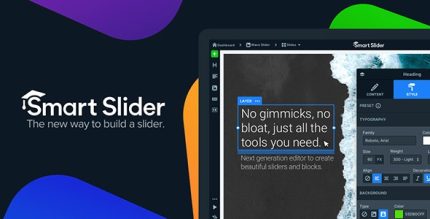
Smart Slider 3 3.5.1.37 – Templates Included

Description
Smart Slider 3 is a WordPress plugin designed to help you create stunning, responsive sliders without complex coding. With a drag-and-drop editor and a visual live preview, you can design, customize, and animate slides while seeing changes in real time. It solves the common problem of trial-and-error when building banners or hero sections, letting you iterate quickly directly inside WordPress. The result is a polished, mobile-ready look that brings your ideas to life across screen sizes.
Whether you’re enhancing a landing page or adding attention-grabbing visual content to posts, Smart Slider 3 streamlines the workflow from concept to publish. Use it to create engaging slider layouts that fit your theme and website goals, all from one place.
Main Features
- Drag-and-drop editor — Build slides by arranging elements with a simple interface.
- Visual live preview — See edits instantly before saving and publishing.
- Responsive slider design — Create layouts that adapt to different screen sizes.
- Animation controls — Add and adjust motion for a more dynamic presentation.
- Customization in one place — Manage slide content and settings within the same workflow.
- Mobile-ready layouts — Optimize the viewing experience for smaller devices.
- WordPress integration — Use sliders on WordPress pages and posts as part of your site content.
- No-code editing — Focus on visuals instead of writing custom code.
Benefits
- Faster page creation — Reduce iteration time with real-time preview while you design.
- Better user experience — Deliver consistent slider visuals across desktops and mobile screens.
- More engaging visuals — Use animations to highlight key messages and CTAs.
- Higher content clarity — Organize slide elements visually to communicate ideas effectively.
- Ease of editing — Update slider content without relying on developers.
Who is it suitable for?
- Small business websites publishing hero banners and promotional sliders
- Bloggers who want more visually engaging post sections
- Marketing teams creating campaigns in WordPress
- Web designers building responsive layouts for client projects
- WooCommerce store owners enhancing product or category highlights