Sliper 1.0.11 – Full-screen Slider for Elementor
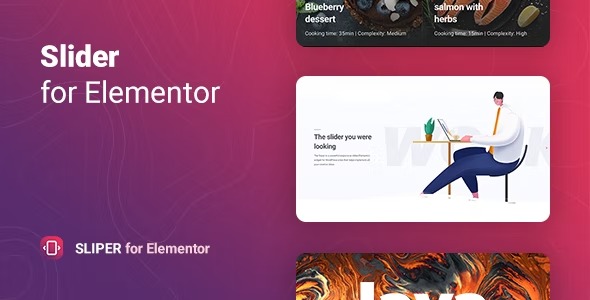
Sliper is a powerful responsive slider widget for WordPress that lets you create beautiful slides from images, text, posts, or Woocommerce products without any code. Its flexible settings and intuitive interface deliver fast, engaging slides that boost conversions and user engagement. Perfect for showcasing products with seamless design and Elementor-friendly integration; explore today.
Description
Sliper is a responsive slider widget for WordPress that helps you build engaging slide experiences without writing code. With an Elementor-friendly approach, you can design sliders directly inside your page layouts using a simple, intuitive interface. It solves the need to quickly showcase content—whether you start from images and text, pull in WordPress posts, or feature WooCommerce products. Flexible settings let you fine-tune how your slides look and behave, so your content stays clear and compelling across devices.
Main Features
- Responsive slider widget — Automatically adapts slides to different screen sizes for a consistent look.
- Elementor integration — Works as an Elementor widget so you can create sliders while editing pages.
- No-code slide creation — Build slides using the interface instead of custom code.
- Multiple content sources — Create slides from images and text, or use WordPress posts as a source.
- WooCommerce product slides — Use WooCommerce products to populate slider content for storefronts.
- Customizable slide content — Choose what each slide shows, including tailored image and text for your use case.
- Flexible settings — Adjust slider options to match your design and page structure.
- Creative slide building — Combine different slide inputs to create campaigns, showcases, and homepage sections.
Benefits
- Higher engagement — Attractive, responsive slides encourage visitors to interact with your content.
- Better product visibility — Featuring WooCommerce products in a slider helps customers quickly find what you want to highlight.
- Improved conversions — Clear presentation of key items and messaging supports stronger call-to-action pathways.
- Faster page building — No-code creation reduces setup time compared to custom slider development.
- Streamlined workflow — Editing through Elementor keeps design and layout changes in one place.
- Consistent UX on mobile — Responsive behavior helps maintain readability and usability across devices.
Who is it suitable for?
- WooCommerce stores showcasing featured products or categories
- WordPress bloggers and content sites promoting recent posts
- Agencies building client pages with Elementor
- Marketing teams running campaign sections on landing pages
- Online shops and brand sites needing mobile-friendly product displays
- Content creators who want image/text sliders without development work