Slider Revolution Whiteboard Addon 7.2.4
Description
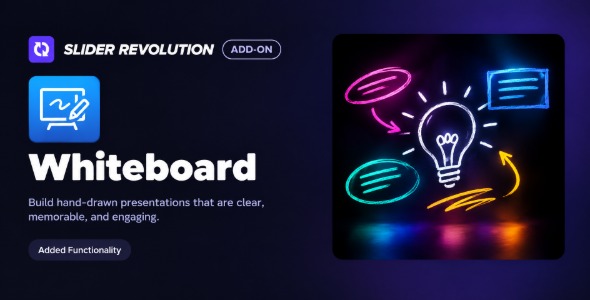
Slider Revolution Whiteboard Addon is a WordPress add-on for the Slider Revolution plugin that helps you create whiteboard-style visuals for your pages. It solves the challenge of making slide content feel more engaging than static images by adding drawing and sketch animations. With this addon, you can animate strokes as if something is being written or illustrated in real time. That makes it useful for tutorials, product explanations, and landing pages built with Elementor or other WordPress page editors.
You can use the whiteboard effect to guide attention, support storytelling, and improve the way visitors understand key messages inside your slider. The result is a cleaner, more dynamic presentation that fits naturally into modern WooCommerce and content marketing layouts.
Main Features
- Whiteboard drawing effect — Create animated sketch and handwriting-style strokes inside Slider Revolution slides.
- Stroke-based visuals — Use line paths to build the whiteboard content you want to show.
- Color and opacity controls — Match the whiteboard strokes to your brand palette and slide design.
- Brush/line styling — Adjust thickness and appearance for clearer readability.
- Animation timing — Control how the drawing plays across the slide timeline.
- Layer composition — Combine the whiteboard animation with other Slider Revolution layers like text and shapes.
- Slide-ready output — Keep the effect fully integrated into your existing Revolution Slider workflow.
- Responsive behavior — Maintain a consistent look across common device sizes within your slider layout.
Benefits
- More engaging storytelling — Animated drawing helps visitors stay focused on your message.
- Clearer explanations — Step-by-step visuals make processes and instructions easier to understand.
- Better on-page UX — Reduces static, cookie-cutter slide layouts with dynamic whiteboard motion.
- Stronger content hierarchy — Directs attention to key lines, labels, and supporting text.
- Marketing-friendly visuals — Improves slide effectiveness for landing pages supporting conversions.
Who is it suitable for?
- WooCommerce store owners running promotional landing pages with sliders.
- Marketing teams creating feature explainer or campaign slides.
- Web agencies building client WordPress sites with Slider Revolution.
- Content creators producing tutorial-style visuals and course landing pages.
- Educators and online schools presenting lessons, steps, or quick guides.