Prime Mover Pro 2.1.5
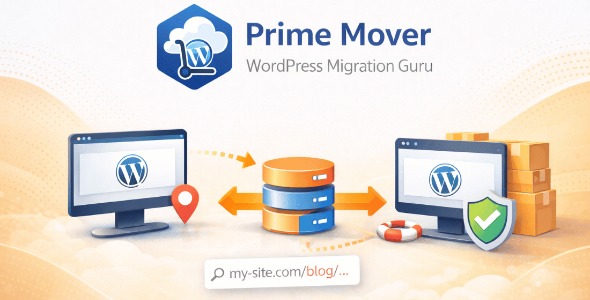
Prime Mover Pro is a WordPress migration plugin that seamlessly moves between single-site and multisite setups, including subsite migration in either direction. It also backs up and restores sites, ensuring quick recovery and flexibility for admins. Fast, reliable, and easy-to-use, it’s the smart choice for scalable WordPress migrations.
Description
Prime Mover Pro is a WordPress migration plugin designed to move sites between single-site and multisite setups with reliable control for administrators. It solves the common challenge of migrating WordPress content, settings, and structure when switching infrastructure types (single-server to multisite networks, or the reverse). It also supports subsite migrations in either direction, which is useful when you need to reorganize a growing WordPress network.
In addition to migrations, Prime Mover Pro can back up a single site or a multisite subsite and restore it when needed. This makes recovery straightforward and helps network administrators plan scalable moves across servers or between multisite environments.
Main Features
- Single-site to single-site migration — Move a WordPress single-site installation to another single-site environment and back.
- Single-site to multisite migration — Convert a single-site install into a multisite subsite deployment.
- Multisite subsite to single-site migration — Extract a multisite subsite into a standalone single-site setup.
- Multisite subsite to multisite subsite migration — Migrate between subsites, including scenarios with different blog IDs.
- Multisite migration across servers — Support moving between server environments while keeping site structure consistent.
- Backup single sites — Create backups for a single site or a multisite subsite.
- Restore from backups — Restore saved backups to recover quickly after changes or migrations.
- Admin and network-admin support — Usable by administrators and network administrators for WordPress and multisite management.
Benefits
- Lower migration risk — Backup and restore options help you recover if something goes wrong.
- More flexible architecture — Move between single-site and multisite structures as your needs change.
- Better network organization — Reassign or reorganize subsites without manual rebuilds.
- Faster recovery — Bring content back from backups to reduce downtime during transitions.
- Simplified admin workflows — Centralize migration tasks for both WordPress admins and network administrators.
Who is it suitable for?
- WooCommerce store owners using WordPress who need site moves between environments.
- WordPress multisite network administrators managing multiple subsites.
- Agencies migrating client sites between single-site and multisite deployments.
- Teams consolidating or splitting websites for better scalability and governance.
- Developers who maintain staging and production servers and require repeatable site recovery.
- Content platforms planning subsite reorganization within a multisite network.