Powerful Filters for wpDataTables 1.4.6 – Cascade Filter for WordPress Tables
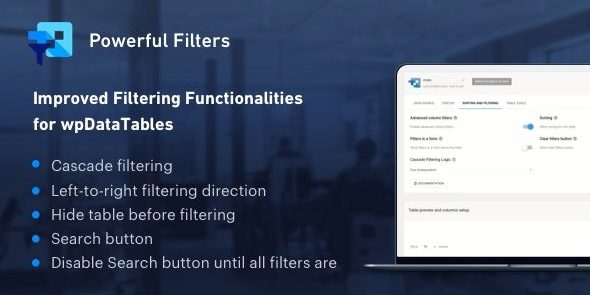
Powerful Filters for wpDataTables offers advanced filtering that extends wpDataTables tables, boosting data discovery and decision making. This WordPress addon lets users quickly find exactly what they need, saving time and improving user experience. A sleek UI, solid integration with wpDataTables, and easy setup make it the smart choice for data-driven sites.
Description
Powerful Filters for wpDataTables is a WordPress addon that extends the filtering capabilities built into wpDataTables. It helps visitors narrow down large datasets quickly, so they can locate the right rows and values without manual scanning.
Designed for data-driven sites, this plugin improves data discovery and supports clearer decision-making in table-based interfaces. With a sleek, user-friendly UI and close integration with wpDataTables, it’s practical for everyday use on pages built with common WordPress workflows, including Elementor-based layouts.
Main Features
- Extended filtering controls — Builds on wpDataTables’ default filtering to provide more flexible ways to find relevant data.
- Multifunctional filtering — Enables multiple filtering behaviors to help users refine table results.
- wpDataTables integration — Works with wpDataTables tables as an add-on to enhance how visitors filter content.
- Focused search experience — Keeps filtering straightforward, so users can reach the needed results faster.
- Sleek user interface — Presents filtering options in a clean, readable layout for smoother table interaction.
- Easy setup — Configures as part of the WordPress plugin workflow alongside wpDataTables.
- Designed for data-heavy pages — Helps when tables contain many rows and users need targeted views.
Benefits
- Faster data discovery — Reduces time spent browsing, making it easier to find exact records.
- Better user experience — Improves table usability by supporting clearer, more focused results.
- Higher engagement — Encourages visitors to interact with data instead of leaving due to complexity.
- Improved decision making — Helps users narrow down information, supporting more confident choices.
- Cleaner content navigation — Makes large wpDataTables content feel more manageable for everyday use.
Who is it suitable for?
- wpDataTables users who need stronger filtering for large table datasets
- WooCommerce stores showing product data, catalogs, or comparison tables
- Business websites publishing structured data in WordPress tables
- Agencies building data-driven pages and template kits
- Content creators and editors managing table-based content in WordPress
- Teams building interactive dashboards using wpDataTables