Portfolio Manager Pro 3.8 – Responsive Portfolio & Gallery
Description
Portfolio Manager Pro is a WordPress plugin that helps you organize work into a dedicated portfolio custom post type, making your projects easier to browse and manage. It supports categories, tags, and unlimited item details so you can structure each case study with the information visitors expect.
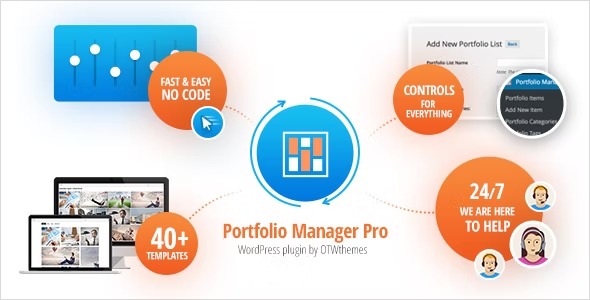
With a drag-and-drop Template Builder and five ready-to-use templates, you can create portfolio layouts that fit your site’s look, whether you use your existing theme styles or build a new presentation from scratch. Built-in options cover titles and content, multiple media types, tabs, lightbox viewing, social sharing, and a related posts slider for continued engagement.
The result is a polished portfolio experience that works well for showcasing creative and professional work while keeping setup focused and fast inside WordPress.
Main Features
- Portfolio custom post type — Stores portfolio entries in WordPress with dedicated structure for projects.
- Categories and tags — Organizes items for easier filtering and discovery on your portfolio pages.
- Unlimited item details — Adds as much portfolio information as needed per project.
- Five ready templates — Provides starter layouts you can deploy quickly and customize.
- Drag-and-drop Template Builder — Builds or edits portfolio templates without complex setup.
- Multi-media support (5 media types) — Displays diverse media formats inside portfolio items.
- Tabs — Groups content sections to keep item pages organized and scannable.
- Lightbox — Lets visitors view media in an overlay for a distraction-free experience.
- Social share — Enables sharing portfolio items to relevant platforms.
- Related posts slider — Promotes additional portfolio entries after viewing an item.
Benefits
- Better browsing — Categories and tags help visitors find the right work faster.
- Higher engagement — Related posts and organized tabs encourage deeper exploration.
- Improved content clarity — Unlimited item details keep key information in one place per project.
- More interaction — Lightbox viewing and social share options make media and pages more usable.
- Faster setup — Ready templates combined with a drag-and-drop builder reduce time spent designing layouts.
Who is it suitable for?
- Creative agencies showcasing client work and case studies
- Freelancers building a professional portfolio inside WordPress
- Designers and photographers presenting multi-media projects
- Companies publishing product, project, or event highlights
- Marketing teams maintaining organized project archives with categories and tags
- Websites that need structured portfolio pages with related content sections