PhotoMosaic for WordPress 2.15.8
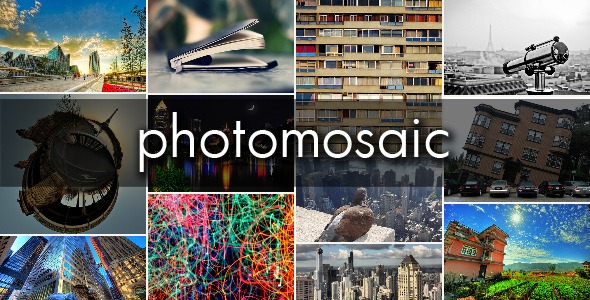
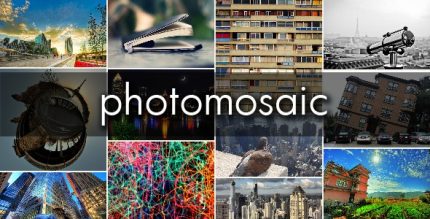
PhotoMosaic for WordPress transforms your galleries with a new mosaic display type for WordPress and NextGen galleries, offering stunning, grid-based visuals that captivate visitors. It simplifies customization with ready-to-use settings and examples, delivering faster, more engaging image layouts. A designer-friendly, easy-to-integrate solution for vibrant photo galleries in WordPress.
Description
PhotoMosaic for WordPress adds a new mosaic display type for WordPress galleries and NextGen galleries, turning standard image grids into a more engaging, tile-based layout. If you want galleries that stand out without building custom templates from scratch, this plugin provides a dedicated settings experience for configuring the mosaic view. With ready-to-use examples shown on the settings page, you can quickly see how the layout looks and adjust it to match your site’s style. It’s a designer-friendly way to enrich visual storytelling in WordPress while keeping gallery setup straightforward.
Main Features
- Mosaic display type — Introduces a tile-style mosaic layout option for WordPress and NextGen galleries.
- Works with WordPress galleries — Lets you choose the mosaic view as part of your gallery presentation.
- Integration with NextGen — Adds mosaic rendering to NextGen gallery setups.
- Settings page examples — Provides example configurations to help you visualize results before applying them.
- Easy customization — Uses plugin settings to adjust the look of the mosaic output without custom coding.
- Grid-based visuals — Creates structured, visually captivating image arrangements that encourage browsing.
- Display type selection — Makes it simple to switch between gallery presentation styles within your WordPress workflow.
Benefits
- More engaging galleries — Mosaic layouts can capture attention and improve how users interact with images.
- Faster design iterations — Example settings on the settings page help you refine presentation more quickly.
- Better visual consistency — A dedicated display type keeps gallery styling aligned across posts or pages.
- Simplified customization — Reduce reliance on custom templates by using built-in configuration options.
- Improved user experience — Tile-based organization supports easier scanning and a cleaner gallery experience.
Who is it suitable for?
- WordPress site owners who want a distinctive gallery layout
- NextGen gallery users looking to enhance image presentation
- Content creators and photographers publishing image collections
- Agencies managing multiple WordPress projects and templates
- Web designers who prefer configurable display types over custom development