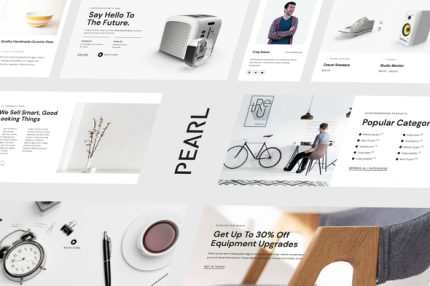
Pearl – Modern & Simple WooCommerce Store Template Kit
| Cetegory: | Shopping & eCommerce |
|---|---|
| Full Preview: | Pearl |
| More Info: | Themeforest |
| HOW TO INSTALL |
Description
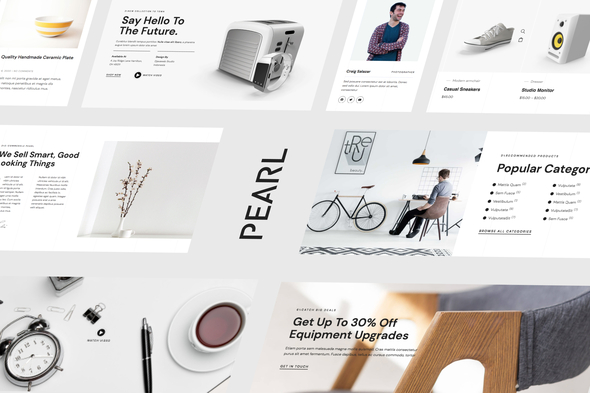
Pearl is a modern and simple woocommerce store Elementor Template Kit. The template is pixel-perfect designed, making sure your final creation is flexible and easily extendable. Also, Pearl works flawlessly on various screen size devices.
True zero coding: styles and effects are done within the Elementor panel
Global theme style for an easy sitewide style change
Header and footer builder for flexible layout and design
Form builder with the working form submission
Engaging hero animation
With 20 page and section templates available, youll have your new website ready in no time.
Page templates
Home
About
Coming soon
Style guide
Footer
Single product
Single post
Blog Archive
404
Optin Popup
Offcanvas
Blog
Shop
Team
Pricing
Gift card
FAQ
Hero Slider
Contact
Elementor Pro Features
Header and Footer Builder
Theme Styles
Global templates for archives
Required Plugins
Elementor
Elementor Pro
DethemeKit for Elementor (installed automatically)
How to Install:
Install and Activate the Envato Elements plugin from Plugins > Add New in WordPress, then import the Kit zip under Installed Kits by clicking the Import Kit button.
Set the Menu icon popup template to the Off-Canvas template
Set the bottom Template on Home and Archives to Footer
Set featured images on archives under Templates > Theme Builder
Once the templates are imported to pages for your site, set a featured image for the page to appear in the title background.