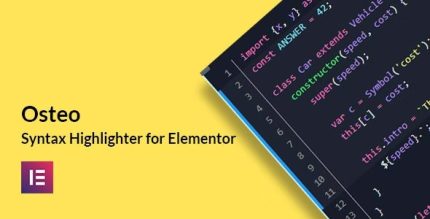
Osteo Syntax Highlighter for Elementor 1.0

Osteo Syntax Highlighter for Elementor lets you display clean, readable code snippets with just a few clicks in WordPress. It simplifies showcasing source code, boosting clarity and credibility for developers and educators. A smooth Elementor integration with a lightweight WordPress plugin that saves time and improves your site's technical presentation.
Description
Osteo Syntax Highlighter for Elementor is a lightweight WordPress plugin that helps you display source code snippets with clear, readable formatting inside Elementor. Instead of manually styling raw HTML, you can insert and present code with just a few clicks. It solves a common challenge for developers and educators: making technical content easy to scan, understand, and trust.
By providing syntax highlighting directly in your Elementor workflow, Osteo improves the visual quality of tutorials, documentation, and how-to pages on WordPress. The result is a smoother technical presentation that supports better user comprehension across your site.
Main Features
- Syntax highlighting — Renders code snippets with visual emphasis to improve readability.
- Elementor integration — Lets you manage and display highlighted code as part of your Elementor layouts.
- Quick insertion — Enables you to add code snippets with just a few clicks during page building.
- Clean, readable formatting — Presents source code in a way that’s easier to scan and understand.
- Lightweight plugin — Adds functionality without turning your site into a heavy setup.
- WordPress-friendly workflow — Works naturally for pages and posts you build with Elementor.
- Better code presentation — Helps keep technical content consistent across your site’s documentation-style sections.
Benefits
- Higher clarity — Users can understand code faster thanks to improved readability and highlighting.
- Stronger credibility — Clear source-code presentation supports trust in developer tutorials and technical posts.
- Faster publishing — Quick insertion reduces time spent on styling and formatting code manually.
- Improved UX — Clean visuals make it easier to follow steps in guides, documentation, and walkthroughs.
- Content consistency — A uniform look across Elementor pages helps maintain a professional technical brand.
Who is it suitable for?
- WordPress developers documenting code and implementation steps
- Developer blogs and tech publications using Elementor for layouts
- Agencies building Elementor sites for clients with technical content
- Online educators and course creators publishing lessons and guides
- Knowledge bases and documentation hubs that need readable code snippets