On-Hover Motion Grids for Elementor 1.1.0
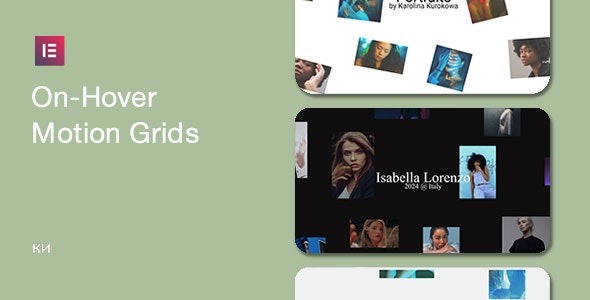
On-Hover Motion Grids for Elementor unlocks lively image hover effects for grids with scroll-ready motion, all within minutes. This WordPress plugin lets you create engaging, on-hover animations to showcase media, boosting user interaction and time on site. Easy setup, seamless Elementor integration, and a lightweight design mean you can elevate visuals without code—explore the grid magic today.
Description
On-Hover Motion Grids for Elementor is a WordPress plugin that brings lively hover animations to image grid areas. It helps you showcase media with motion effects that feel interactive—without writing code. Built to work seamlessly with Elementor, it lets you add engaging on-hover visuals directly in the editor. The effects are designed to trigger alongside scroll-ready motion, improving how your grid content appears as users explore the page.
Main Features
- On-hover grid animations — Apply motion effects when visitors hover over media inside Elementor grids.
- Scroll-ready motion triggers — Coordinate effects with scroll-based visibility for a more dynamic presentation.
- 3+ pre-built media elements — Choose from multiple easy-to-use media elements to build varied grid behaviors.
- Elementor editor integration — Configure effects within the Elementor workflow using an intuitive interface.
- Unique hover effects — Create distinct animation looks across different grid items for visual variety.
- Quick setup workflow — Add motion grids to your website within minutes using a straightforward process.
- Lightweight design approach — Focus on performance-friendly animations and media presentation.
Benefits
- More engagement — Interactive hover motion encourages users to explore grid content.
- Better on-page UX — Clear visual feedback makes media browsing feel smoother and more responsive.
- Higher time on site — Scroll-ready motion keeps attention on key sections as users move down the page.
- Improved content presentation — Media grids stand out with unique effects instead of static thumbnails.
- Workflow simplicity — Elementor integration reduces setup complexity for quick page building.
Who is it suitable for?
- WooCommerce product showcase grids using Elementor-based layouts.
- Business websites and landing pages that need interactive media sections.
- Creative portfolios and agencies building client-ready Elementor pages.
- Content creators and bloggers who want image grids with visual motion.
- Marketing teams optimizing section-level engagement on WordPress sites.
- Designers assembling Elementor theme or template kit pages that benefit from hover animations.