MultiPOS Point of Sale for WCFM Marketplace 3.1.0 – MultiVendor POS System
Description
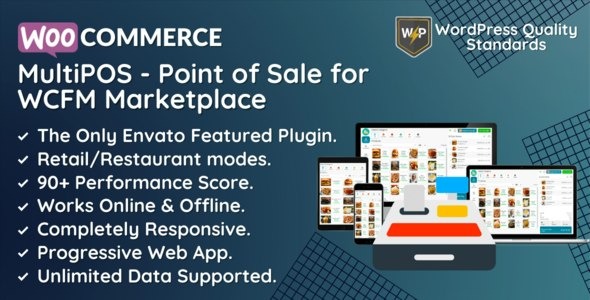
MultiPOS Point of Sale for WCFM Marketplace is a WordPress plugin that helps WCFM Marketplace vendors sell in-store and online with synced data across WooCommerce and the marketplace. It connects orders, customers, and product listings between your POS and the WooCommerce database, keeping stock and catalog information aligned. With a fast front-end POS built for vendor workflows, it supports different outlet setups such as retail and restaurant/cafe modes. Vendors can manage inventory and sales from the marketplace front end, while administrators gain reporting to monitor performance and trends.
Designed to work natively with WooCommerce via REST APIs, MultiPOS provides a React-based interface with strong performance and a PWA experience on both desktop and mobile. It supports online or offline operation for in-store use, helping teams continue selling while maintaining consistency in the background once connectivity returns.
Main Features
- Two-way sync with WooCommerce and WCFM — Automatically synchronizes orders, customers, and product listings between the POS and your marketplace/WooCommerce data.
- Real-time inventory management — Keeps product stock updated when sales are created from the POS frontend.
- Multiple outlet support — Enables configuration for more than one store location within the same marketplace workflow.
- Retail and restaurant/cafe outlet modes — Tailors the POS experience for different business types and in-store operations.
- Multi-payment methods — Supports payment options such as credit card, cash, and online payment gateways during checkout.
- Vendor POS front-end workflow — Lets vendors track sales, view product details, manage inventory, and handle purchase orders.
- Sales reporting and analytics — Provides insights into sales trends and vendor performance for marketplace administrators.
- React-powered PWA interface — Offers a responsive front-end usable on desktop and mobile, with strong performance characteristics.
- Online or offline selling — Supports offline operation for in-store use and continues POS usage when connectivity is limited.
Benefits
- Fewer mismatches in stock — Real-time inventory updates reduce overselling and keep product availability consistent across channels.
- Higher conversion across touchpoints — Vendors can sell in-store and online with the same product listings and order data flowing into WooCommerce.
- Better vendor efficiency — Centralized front-end management streamlines daily tasks like tracking sales, updating inventory, and creating purchase orders.
- Actionable marketplace insights — Analytics help administrators spot trends and assess vendor performance to guide decisions.
- Improved in-store reliability — Offline-capable POS usage supports ongoing operations when internet access is unstable.
Who is it suitable for?
- WCFM Marketplace administrators managing sales across multiple vendors
- WooCommerce-based marketplace vendors who need an in-store POS
- Retail stores (including grocery and clothing outlets) with online + physical sales
- Restaurants, cafes, and pub-style businesses that use outlet modes for ordering
- Agencies or WordPress teams building multi-vendor commerce experiences
- Businesses operating multiple locations that require inventory coordination