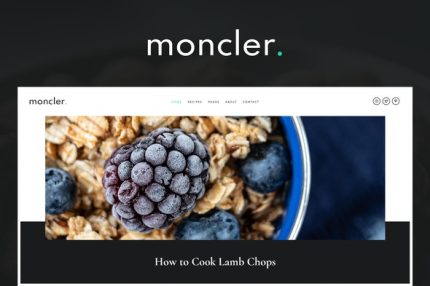
Moncler – Food Blog Elementor Template Kit
| Cetegory: | Food & Drink |
|---|---|
| Full Preview: | Moncler |
| More Info: | Themeforest |
| HOW TO INSTALL |
Description
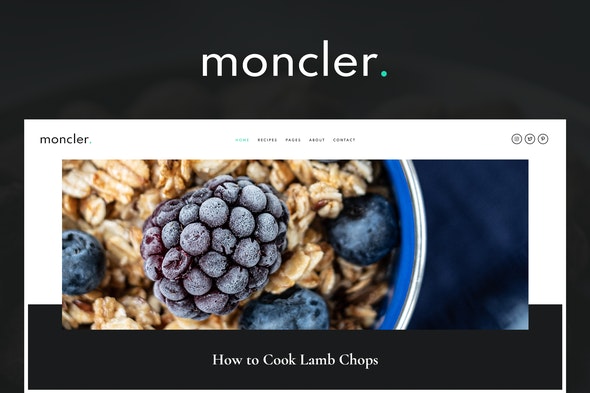
Moncler food blog that will beautifully present you online. Beautifully balanced design will help you to attract more visitors and engage them with your content
Included Templates
- Home Layout
- About Me
- Contact page
- Gallery
- Services
- 404 Page
- FAQ
- Header & Footer for Theme Builder
- Blog Archive for Theme Builder
- Single Post for Theme Builder
This kit requires the Elementor Pro upgrade for some templates and features (not included)
Fonts
- Cormorant
- Spartan
Images Photos are free to use from Unsplash via Creative Commons 0 license. Blog Content is not included you will need to add a few posts to WordPress before post content will appear in templates.
How to Install:
- Install and Activate the Envato Elements plugin from Plugins > Add New in WordPress
- Do not unzip
- Go to Elements > Installed Kits and click the Upload Template Kit button.
- Before importing a template, ensure the Install Requirements button is clicked to activate required plugins
- For best results, do not import more than one template at a time.
- Single Post, Archives, Header and Footer are customized through Templates > Theme Builder
- For all other pages, create a new page in WordPress, edit with elementor, then click gray folder icon to access My Templates and import the layout to customize. Select each portfolio or post widget to set the Query to the category or post you want to show.
For further support, go to Elementor > Get Help in WordPress menu.