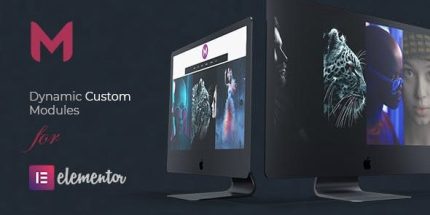
Modulify 1.6 – Modules Addon for Elementor Page Builder

Modulify is a premium Elementor Page Builder addon for WordPress that lets you add custom items with stunning layouts, from full-screen to iconic grids, without any coding. The main benefit is visually engaging modules that simplify content management with drag-and-drop, boosting visitor interaction and conversions. Bonus: easy customization of image, title, subtitle, and links, plus seamless design integration.
Description
Modulify is a premium Elementor Page Builder add-on for WordPress that helps you build visually engaging modules without coding. It lets you add custom items with creative layouts, from full-screen blocks to iconic grid presentations, so your content looks intentional and modern. Instead of manually redesigning sections, you can manage modules through drag-and-drop creation inside Elementor.
With Modulify, you can quickly customize each module’s image, title, subtitle, and link URL, making it easier to update information and keep layouts consistent across your site. It’s designed to integrate smoothly with your existing Elementor and theme workflow, supporting faster page iteration.
Main Features
- Custom item modules — Add reusable modules made for showcasing key content on your pages.
- Creative layout variations — Use layouts ranging from full-screen sections to iconic grids.
- Drag-and-drop workflow — Build and arrange modules in Elementor without programming.
- Per-item image control — Set or swap the module image to match each section’s purpose.
- Editable title and subtitle — Customize headings to improve clarity and messaging.
- Link URL support — Attach a destination link to each item for clickable journeys.
- Design consistency — Keep a unified visual style across different modules on the same page.
- Elementor-friendly integration — Works within the Elementor editing experience to streamline page building.
Benefits
- Better visitor engagement — More visually structured modules encourage interaction and scrolling.
- Faster content updates — Adjust images, text, and links quickly without rewriting page sections.
- Improved conversion paths — Clickable item links help guide users to relevant pages.
- More consistent UX — Uniform module layouts create a cohesive browsing experience.
- Ease for non-developers — Drag-and-drop editing reduces the need for custom code.
Who is it suitable for?
- Businesses building Elementor-based landing pages and marketing sections.
- Agencies creating client websites that need quick, repeatable module updates.
- Content managers who want simpler layout control inside WordPress.
- Portfolio and service sites showcasing featured items with images and links.
- Teams updating site content regularly without technical design changes.