Mioshio – Fashion eCommerce Elementor Template Kit
| Cetegory: | Shopping & eCommerce |
|---|---|
| Full Preview: | Mioshio |
| More Info: | Themeforest |
| HOW TO INSTALL |
Description
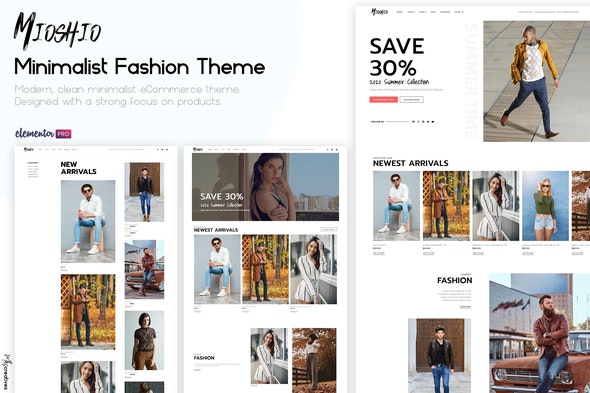
Mioshio is a modern & clean fashion eCommerce template created with Elementor Pro. Offering 2 different versions of style in the one template, super easy to switch between the to.
Loads of highly detailed sections, responsive on all devices Elementor Pro template kit.
Templates
- Home 1
- Home 2
- Home 3
- Shop page
- Product page
- About page
- Blog page
- Single Blog post
- Contact/FAQ page
- Mobile Menu (Popup)
- Slider Filter Menu (Popup)
- Sales (Popup)
- Archive
- Search Results
Required Plugins
- Elementor
- Elementor Pro
How to Install:
- Install and Activate the Envato Elements plugin from Plugins > Add New in WordPress
- Do not unzip
- Go to Elements > Installed Kits and click the Upload Template Kit button.
- Before importing a template, ensure the Install Requirements button is clicked to activate required plugins
- For best results, do not import more than one template at a time.
- https://elements.envato.com/image-AC7FJ7N
- https://elements.envato.com/image-PVBDDUN
- https://elements.envato.com/image-PZSLNSK
- https://elements.envato.com/image-PM36UG9
- https://elements.envato.com/image-KEH982W
- https://elements.envato.com/image-FK6ZY83
- https://elements.envato.com/image-Y2ZQPFV
- https://elements.envato.com/image-KBD4EA2
- https://elements.envato.com/image-LEPX8Y6
- https://elements.envato.com/image-PVFQHPT
- https://elements.envato.com/image-RGTWV9Y