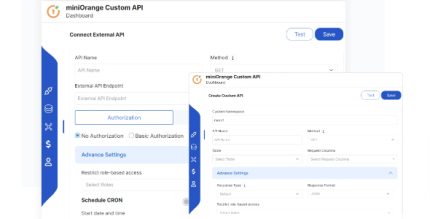
MiniOrange Create and Connect APIs to WordPress 51.0.0
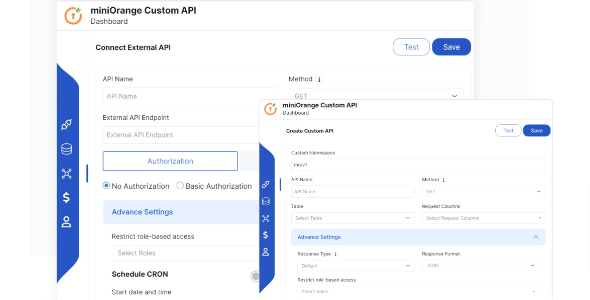
Description
MiniOrange Create and Connect APIs to WordPress helps you connect external APIs to your WordPress site for real-time data updates and reliable synchronization. If you need to keep data in sync between WordPress and other systems, this plugin streamlines the workflow without requiring you to write code. It lets you create custom APIs directly inside WordPress, using either a visual interface or SQL queries. With built-in support for fetching, modifying, updating, and deleting API data, you can manage integration logic in a clear, practical way.
Whether you’re building a tighter WordPress-to-platform connection or enabling data-driven features across tools, the plugin supports smoother updates and faster integration setup through a developer-friendly and non-technical-friendly approach.
Main Features
- External API connection — Connect third-party APIs to your WordPress site for synchronized data flow.
- Real-time data updates — Keep WordPress content and data aligned with external sources as changes occur.
- Custom API creation — Build tailored APIs in WordPress to match your integration requirements.
- Visual API builder — Create and manage API behavior through a graphical interface for no-coding setup.
- SQL query option — Use custom SQL queries when you need more direct control over data operations.
- Fetch API data — Retrieve data from connected APIs and make it usable inside WordPress.
- Modify API data — Adjust and transform returned data to fit your WordPress workflows.
- Update and delete operations — Perform update and delete actions to keep systems consistent.
Benefits
- Faster integrations — Reduce setup time by creating APIs through a visual interface or SQL queries.
- Higher data accuracy — Support real-time synchronization to minimize mismatched or outdated information.
- Better integration control — Handle fetch, modify, update, and delete operations to match real-world logic.
- Smoother workflow for teams — Enable both non-tech users and developers to work effectively within WordPress.
- Improved user experience — Help WordPress display current data from connected platforms.
Who is it suitable for?
- WooCommerce stores that need inventory, order, or customer data synced from external services.
- WordPress developers creating custom API-driven features for client sites.
- Agencies building integrations for multiple WordPress projects.
- Content and data teams that want current information reflected in WordPress without manual updates.
- Non-technical site owners who need API connectivity using a visual workflow.
- Platforms that rely on frequent updates between WordPress and third-party tools.