MinervaKB Knowledge Base 2.0.7 – for WordPress with Analytics
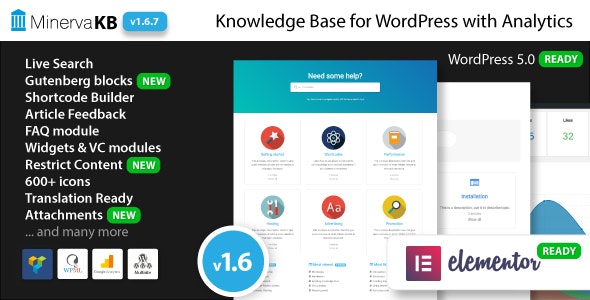
MinervaKB Knowledge Base is a WordPress knowledge base plugin that turns your support articles into a fast, searchable help center. It boosts your user satisfaction with quick answers, while built-in analytics help you tune content and track usage. Easy setup, seamless integration, and a modern design make it the smart choice for teams seeking efficient self-service.
Description
MinervaKB Knowledge Base is a WordPress knowledge base plugin that organizes your support content into a dedicated, searchable help center. Instead of forcing visitors to browse long documentation pages, it helps them find answers quickly with a user-friendly knowledge base experience. This reduces repetitive questions and improves self-service for customers and site members.
With built-in analytics, MinervaKB Knowledge Base also shows how people use your articles, so you can spot gaps, refine wording, and strengthen the topics that drive real results. The plugin is designed for easy setup, integrates smoothly with your WordPress site, and uses a modern interface that fits a clean, professional theme layout.
Main Features
- Knowledge base conversion — Turns your support articles into a structured help center within WordPress.
- Fast, searchable articles — Enables visitors to locate relevant answers using on-site search.
- Built-in analytics — Tracks usage patterns to understand which topics are being consulted.
- Content tuning support — Helps you refine articles based on how readers engage with your knowledge base.
- Easy WordPress setup — Straightforward configuration so you can publish your help center with minimal effort.
- Seamless WordPress integration — Works with your site’s existing content and layout patterns.
- Modern help center design — Presents documentation in a clean, readable format for better UX.
- Self-service friendly structure — Encourages users to solve issues independently before contacting support.
Benefits
- Quicker answers — Searchable articles reduce time spent finding the right solution.
- Better user experience — A modern, readable help center makes documentation easier to navigate.
- Higher satisfaction — Self-service helps users get unstuck without waiting for a response.
- Improved content quality — Analytics guide updates to topics that users rely on most.
- Smarter editorial decisions — Usage tracking helps prioritize improvements based on real behavior.
Who is it suitable for?
- WordPress site owners publishing support articles or documentation.
- Customer support teams that want to reduce repetitive tickets.
- Content teams maintaining FAQs, guides, and knowledge articles.
- Service-based businesses with a help center for onboarding and troubleshooting.
- Agencies managing documentation across multiple WordPress projects.
- Product websites that want clearer self-service for users.