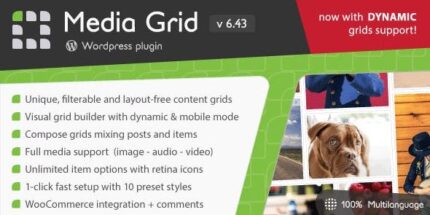
Media Grid 9.6.1 – WordPress Responsive Portfolio

Media Grid, a WordPress plugin, delivers unlimited responsive, filterable portfolios with easy pagination, using advanced CSS and JS for custom layouts. Its intuitive design and seamless integration make it quick to adapt to any container, offering a standout visual portfolio with minimal effort.
Description
Media Grid is a WordPress plugin designed to help you build responsive, filterable portfolios that look polished on every screen size. It lets you create unlimited portfolio items while keeping navigation simple with easy pagination. The plugin uses advanced CSS and JavaScript techniques to support custom layouts and adapt visuals to different container sizes. With an intuitive approach that fits naturally into your WordPress workflow, you can update your gallery-style content without complex setup or layout rework.
Main Features
- Unlimited portfolios — Create large collections without running out of capacity.
- Responsive grid layout — Automatically adjusts the portfolio display for different screen sizes.
- Filterable content — Let visitors narrow results by category or tags for faster discovery.
- Easy pagination — Split long collections into manageable pages without breaking the layout.
- Advanced CSS control — Use styling that supports custom visual presentation within the grid.
- JavaScript-powered behavior — Enable interactive filtering and smoother client-side updates.
- Custom layout support — Build different grid arrangements tailored to your portfolio needs.
- Adapts to any container — Maintains a clean appearance whether embedded in sections of varying widths.
Benefits
- Better browsing UX — Filterable sections and pagination help users find relevant work quickly.
- Higher engagement — A responsive, visually consistent grid encourages visitors to keep exploring.
- More design flexibility — CSS and layout options let you shape the portfolio to match your theme styling.
- Improved content organization — Unlimited items make it practical to keep projects and updates in one place.
- Effortless updates — Container-aware behavior reduces the need for redesign when pages change.
Who is it suitable for?
- Creative portfolios for photographers, designers, and agencies
- Freelancers showcasing multiple project categories
- WordPress sites that need interactive work galleries
- Content-driven websites with frequent additions to portfolio items
- Teams updating layouts across different page sections and theme templates