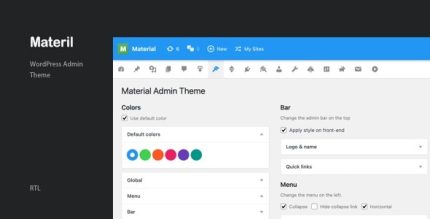
Materil 3.2 – WordPress Material Design Admin Theme

Materil delivers a sleek WordPress admin bar, menu, icons, colors, and login page in material design style, simplifying your dashboard for faster, more intuitive workflow. With cohesive design, easy customization, and seamless integration, it enhances usability and saves time.
Description
Materil is a WordPress theme that applies a material design look across key dashboard elements, including the admin bar, menus, icons, color styling, and the login page. It helps solve the common issue of inconsistent or cluttered backend UI by bringing a cohesive visual system to your WordPress workflow.
Designed to support WordPress and WooCommerce site management, Materil makes daily navigation more intuitive, so you can spend less time searching and more time building. With straightforward customization and seamless integration, it’s a practical choice when you want a cleaner admin experience without disrupting your site structure, templates, or existing setup.
Main Features
- Material design admin bar — Revamps the WordPress admin bar with a clean, material-style layout.
- Styled admin menus — Organizes dashboard navigation using consistent menu styling.
- Icon set styling — Updates icons to match the overall material design theme.
- Color customization — Applies coordinated colors across the admin interface for a unified look.
- Material login page — Replaces the default WordPress login screen with a material design variant.
- Cohesive UI consistency — Keeps the admin bar, menus, and login experience visually aligned.
- Easy theme-based customization — Lets you adjust appearance details through theme options/settings.
- Seamless WordPress integration — Works within the WordPress admin/login experience without forcing major workflow changes.
Benefits
- Faster navigation — Cleaner admin bar and menus reduce time spent finding screens.
- Better usability — Consistent icons and colors improve day-to-day clarity.
- More intuitive workflow — Material-style layout makes backend actions easier to scan.
- Improved user experience — A styled login page creates a smoother first touch for editors and admins.
- Reduced visual clutter — A unified dashboard design helps keep focus on content and tasks.
Who is it suitable for?
- WooCommerce store owners managing products, orders, and settings in WordPress.
- Content teams and multi-author blogs that need a clearer admin interface.
- Web agencies onboarding clients who want a consistent WordPress backend look.
- Site admins and developers maintaining multiple WordPress sites.
- Projects that require a redesigned WordPress login experience for staff access.