Live Ajax Site Search 1.2 – Sumo Search WP Plugin
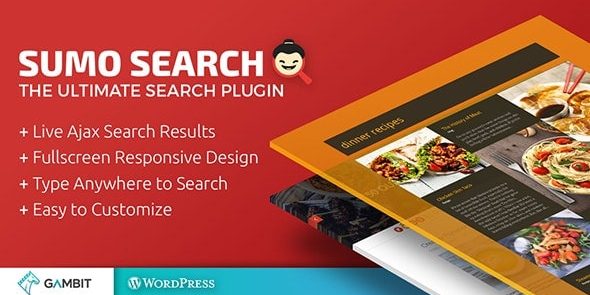
Live Ajax Site Search is a WordPress plugin that delivers live Ajax search results as you type with a full-screen search overlay for fast, intuitive site exploration. It caches results, previews in the Customizer, integrates via a search button or typing anywhere, and shows titles, excerpts, and featured images for engaging, SEO-friendly results. Type: WordPress plugin.
Description
Live Ajax Site Search is a WordPress plugin that delivers live Ajax search results as visitors type, using a full-screen search overlay for focused site exploration.
It helps solve “Where is that content?” moments by returning titles, excerpts, and featured images immediately—so users can reach the right page faster.
Built for WordPress and compatible with common search setups, it caches results with transients to improve responsiveness, previews changes in the Customizer, and uses the History API to keep back-button behavior seamless.
Main Features
- Full-screen search overlay — Opens a dedicated overlay for a distraction-free search experience.
- Live Ajax results — Updates matching posts in real time while the user types.
- Result caching with transients — Stores search results to reduce repeated processing and improve speed.
- Customizer live preview — Lets you adjust settings and see changes immediately in the WordPress Customizer.
- History API navigation — Restores previous search results when users click the browser back button.
- Multiple integration options — Adds a search button, enables typing anywhere, or intercepts existing search fields.
- Rich result output — Shows post title, post type, excerpts, and featured images.
- Visibility controls — Turn result elements (images, titles, post types, excerpts) on or off.
- Design customization — Customize fonts (including 600+ Google Fonts), colors, transparency, paddings, and border radius.
- Icon and responsiveness settings — Choose from multiple search/close icons and ensure the overlay works well on mobile.
Benefits
- Faster content discovery — Live Ajax updates reduce time-to-result and improve overall usability.
- Better user experience — The full-screen overlay keeps visitors engaged and reduces navigation friction.
- Improved performance — Transient caching helps maintain quick responses during repeated searches.
- More consistent browsing — History API support preserves search context when navigating with the back button.
- SEO-friendly presentation — Displaying titles, excerpts, and featured images makes results more informative and clickable.
- Smoother integration — Works well with setups using Relevanssi, fitting existing search behavior.
Who is it suitable for?
- Content-heavy blogs and news sites with frequent searches
- WooCommerce stores that need clearer product/article discovery
- Agencies building WordPress sites for clients who want live search UX
- Portfolio or magazine-style sites with many post types and categories
- Websites using Relevanssi for search relevance
- Educational or resource sites where users search for specific materials