
League Table 2.25
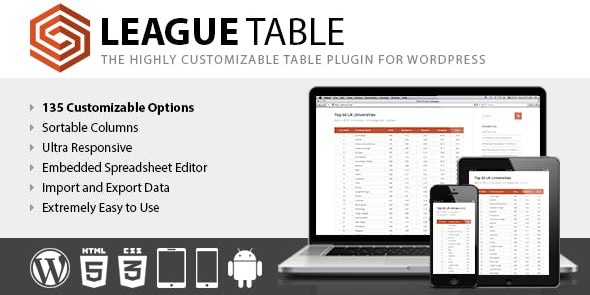
League Table is a fast, easy-to-use WordPress plugin that lets you create beautiful, sortable, responsive tables inside posts, pages, custom post types, or widgets. With 105 options per table, a spreadsheet editor, and a powerful multi-column sorter, you get stunning data presentation fast—perfect for clear insights and quick decisions.
Description
League Table is a fast, easy-to-use WordPress plugin for building clean, data-heavy tables. Add sortable, responsive tables directly inside posts, pages, custom post types, or widget areas without needing custom code.
Designed for quick insight, it combines a spreadsheet-style editor with extensive configuration—so you can format your data and arrange it by multiple columns. With 105 options per table and detailed cell controls, it helps you present information clearly and consistently across your site.
Main Features
- Sortable tables — Organize rows by key fields to match how visitors search.
- Responsive layout — Display tables cleanly on mobile, tablet, and desktop screens.
- Multiple placement options — Insert tables in posts, pages, custom post types, and widget areas.
- Spreadsheet editor — Update table data in an interface built for quick edits.
- 105 table options — Fine-tune overall structure and table behavior with granular settings.
- 17 cell-level options — Control how individual cells are formatted for better readability.
- 13 general options — Apply consistent configuration across the table with minimal setup.
- Advanced multi-column sorting — Sort using more than one column for complex datasets.
Benefits
- Faster content creation — Build tables quickly with an editor workflow that reduces manual formatting.
- Better UX for readers — Sorting and responsive design help visitors find the right information.
- More accurate comparisons — Multi-column sorting supports clearer analysis of complex data.
- Improved on-page clarity — Cell and table settings help your content stay readable and structured.
- Scales across templates — Reusable table layouts work consistently across different WordPress areas.
Who is it suitable for?
- WooCommerce stores needing product lists, comparisons, or attribute overviews.
- Content teams creating structured posts with sortable data.
- Agencies building client websites with consistent table presentations.
- Blog and resource sites publishing schedules, directories, or rankings.
- Websites using custom post types to manage and display tabular records.
