LatePoint – TimeZone Selector Addon 1.1.4
LatePoint TimeZone Selector Addon adds a timezone selector to the date/time picker step and lets customers switch their timezone in their cabinet, ensuring accurate bookings. It delivers a smoother scheduling flow, reducing errors and improving user experience on WordPress. Simple integration with powerful timezone management—explore now.
Description
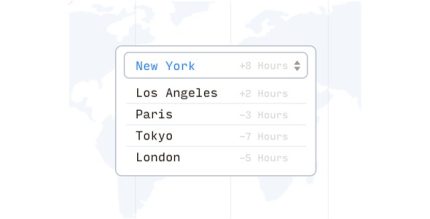
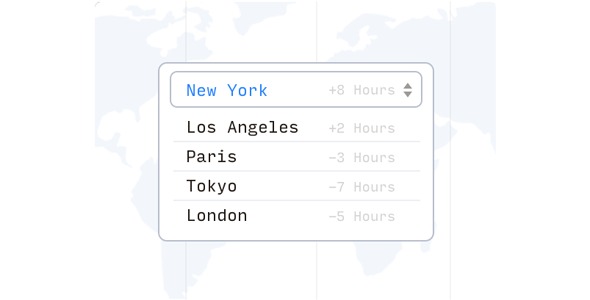
The LatePoint TimeZone Selector Addon for WordPress adds a timezone selector to the date/time picker step, helping customers see and choose the correct local time for their booking.
It also lets users switch their timezone in their cabinet, so the scheduling interface can stay aligned with where they are—reducing misunderstandings caused by server or browser time differences.
For WooCommerce-style booking journeys and LatePoint-based appointment flows, this addon supports a smoother scheduling process, clearer booking information, and a more consistent user experience within your WordPress plugin setup.
Main Features
- Timezone selector in the picker — Displays a timezone control directly on the date/time picker step.
- Accurate local booking times — Adjusts displayed times so customers can schedule in their selected timezone.
- Timezone switching in the customer cabinet — Allows users to change their timezone from their account area.
- Timezone preference persistence — Keeps the selected timezone associated with the customer for subsequent booking interactions.
- Cleaner booking decision flow — Makes timezone context explicit at the moment customers pick a time.
- Works with LatePoint booking steps — Integrates into the existing scheduling flow built on the LatePoint plugin.
- Improved usability for international users — Helps distributed customers avoid confusion when planning across time zones.
- Lightweight addon behavior — Designed to focus specifically on timezone handling within the scheduling UX.
Benefits
- Fewer booking mistakes — Reduces errors caused by timezone mismatches.
- Better user experience — Gives customers clear control over how times are shown during booking.
- Higher confidence — Users can verify the correct local time before confirming.
- Smoother scheduling flow — Fewer back-and-forth corrections after appointments are booked.
- Consistency across sessions — Cabinet timezone switching helps keep the experience aligned over time.
Who is it suitable for?
- LatePoint-powered appointment or scheduling websites on WordPress.
- Online businesses serving customers across multiple time zones.
- Service providers with international clients who need timezone-accurate bookings.
- Agencies managing WordPress booking setups for different markets.
- Websites with account-based “cabinet” booking experiences.
- Teams that want to minimize booking confusion in the date/time selection step.