Knowledge Base WordPress Theme 3.2
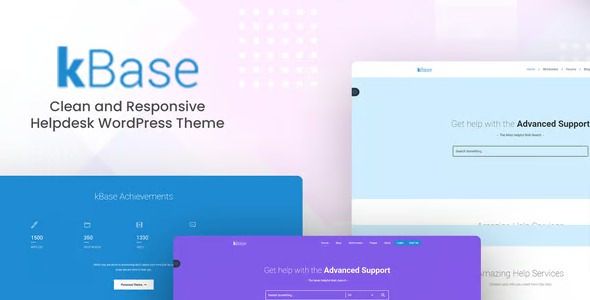
Knowledge Base WordPress Theme offers a clean, modern layout to organize articles, FAQs, and guides into a single support hub. It boosts user satisfaction and search visibility with fast loading and intuitive navigation. A flexible, easy-to-integrate Wordpress theme designed for scalable, user-friendly knowledge bases.
Description
The Knowledge Base WordPress Theme is a clean, modern theme built for creating a dedicated support hub where visitors can quickly find answers.
It helps you organize articles, FAQs, and guides in one place, solving the problem of scattered documentation and hard-to-navigate help content.
With an intuitive structure and fast loading experience, the theme supports better user satisfaction and improves search visibility for your support pages.
Designed for scalable WordPress knowledge bases, it’s a practical choice when you need an information-first layout that stays easy to manage as your content grows.
Main Features
- Clean, modern layout — Presents support content with a clear visual structure for easy reading.
- Unified support hub design — Brings articles, FAQs, and guides together in one organized area.
- FAQ-focused organization — Makes it simpler for users to locate common questions and answers.
- Guides and how-to pages — Supports longer-form documentation for step-by-step learning.
- Fast-loading performance — Helps pages load quickly to reduce friction for returning and new visitors.
- Intuitive navigation — Uses a straightforward browsing flow so visitors can move from topic to topic confidently.
- Flexible WordPress integration — Works as a WordPress theme for building and maintaining your knowledge base.
- Scalability for growing libraries — Designed to stay usable as you publish more articles and FAQs over time.
Benefits
- Better self-service — Clear organization helps users find answers without waiting for support.
- Higher engagement — Intuitive navigation keeps visitors exploring related guides and FAQs.
- Improved UX — A clean layout and fast loading reduce bounce and make reading more comfortable.
- Stronger search visibility — Well-structured support pages support discoverability in search results.
- Easier content management — Having a unified theme for support content streamlines updates across your knowledge base.
- Long-term scalability — The information-first design remains practical as your documentation expands.
Who is it suitable for?
- WordPress businesses building a customer support knowledge base
- WooCommerce stores that want organized FAQs and product help guides
- SaaS companies documenting features, onboarding, and troubleshooting
- Digital agencies managing help centers for multiple projects
- Online schools and learning platforms publishing course FAQs and guides
- Content creators who need a structured library of answers and instructions