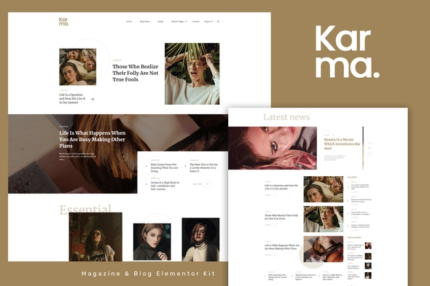
Karma – Blog & Magazine Elementor Template Kit
| Cetegory: | News & Magazines |
|---|---|
| Full Preview: | Karma |
| More Info: | Themeforest |
| HOW TO INSTALL |
Description
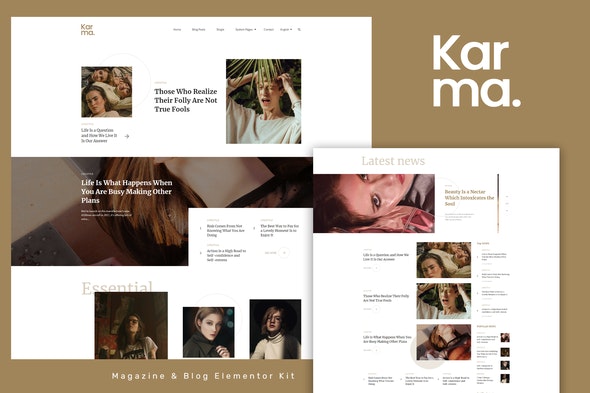
Karma is the Blog/Magazine Elementor Template Kit, that perfectly fits for any blogger needs. Karmas clean & balanced layout make it best choice for bloggers. The Kit includes a lot of templates that are easy to edit using Elementor page builder for WordPress and has been optimized for use with the free Hello Elementor theme but may be used with most themes that support Elementor.
- Elementor Pro upgrade is required for post and theme builder features (not included)
Kit Includes:
- Home 1 Template
- Home 2 Template
- Home 3 Template
- Footer Template
- Contact Page Template
- Archive Author Template
- Archive Category Template
- Archive Tags Template
- Archive Search Template
- 404 Page Template
- Off Canvas Menu Template
- Single Post 1 Page Template
- Single Post 2 Page Template
- 2 Header Styles
- 2 Footer Styles
Fonts
- Merriweather
- Source Sans Pro
This Template Kit demo uses CC0 images from Unsplash. Blog Content is not included you will need at least 12 posts and 3 categories created in WordPress before content will appear in the templates.
How to Install:
- Install and Activate the Envato Elements plugin from Plugins > Add New in WordPress
- Do not unzip
- Go to Elements > Installed Kits and click the Upload Template Kit button.
- Before importing a template, ensure the Install Requirements button is clicked to activate required plugins
- For best results, do not import more than one template at a time.
For further support, go to Elementor > Get Help in WordPress menu.
How to Customize Each template has several post elements you can locate using the elementor Navigator. Each one must be set to your desired post query (category, single post, etc). Elements that share a single column are paired up by image and content and should be set to the same query.
Checkout the online documentation http://bk-ninja.com/documentation/elementor-kit/karma/