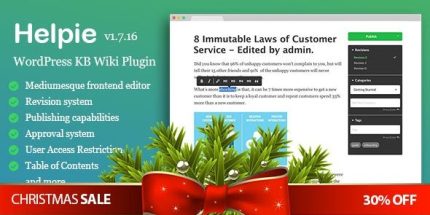
Helpie 1.9.5 – WordPress KB Wiki Plugin
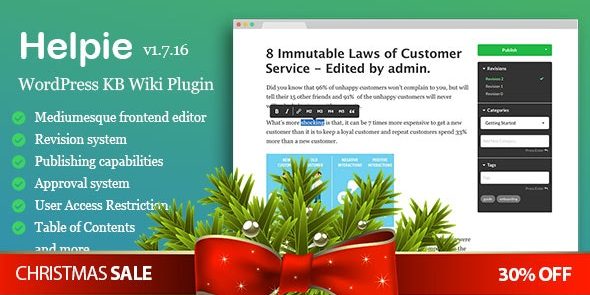
Helpie is a WordPress knowledge base plugin that helps you build a wiki and documentation with a Medium-like frontend editor. Benefit from version history, access controls, and seamless Elementor integration for fast, user-friendly knowledge sharing.
Description
Helpie is a WordPress knowledge base plugin for building a wiki, documentation hub, and structured articles for your site. It helps solve the problem of scattered answers by organizing topics and pages into a clear documentation experience. With a Medium.com-like frontend editor, you can write and publish content without switching to the WordPress admin interface. Helpie supports version history and an approval workflow, so changes stay controlled and traceable. It also integrates with Elementor, making it easier to design and embed knowledge base layouts that fit your theme and pages.
Main Features
- WordPress wiki foundation — Build a wiki-style knowledge base directly within WordPress.
- Medium-like frontend editor — Create and edit articles using a familiar, streamlined writing experience.
- Wiki-based publishing — Publish content in a structured format with topic-oriented organization.
- Version history — Track article revisions over time.
- Approval system — Review and approve updates before they are published.
- Access restrictions — Limit who can view or manage knowledge base content.
- Password restriction — Protect specific articles with password-based access.
- Article and topic listing — Display articles and topics so users can browse documentation easily.
- Elementor integration — Use Elementor to incorporate knowledge base components into your layouts.
Benefits
- Consistent documentation — Topic and article listings make it easier to find the right information.
- Controlled updates — Version history and approval workflows reduce the risk of unreviewed changes.
- Better user experience — A Medium-like editor supports faster, more comfortable content creation.
- Safer content access — Access and password restrictions help keep sensitive information limited.
- Flexible page layouts — Elementor integration supports smooth embedding in your existing WordPress theme design.
Who is it suitable for?
- WooCommerce stores that need product FAQs and support documentation
- Knowledge base websites and wiki projects on WordPress
- Agencies building documentation sites for clients
- Content teams managing articles with review and approval needs
- Teams creating gated help centers with restricted or password-protected content