Gravity Forms Auto Complete – and address field 1.7.4
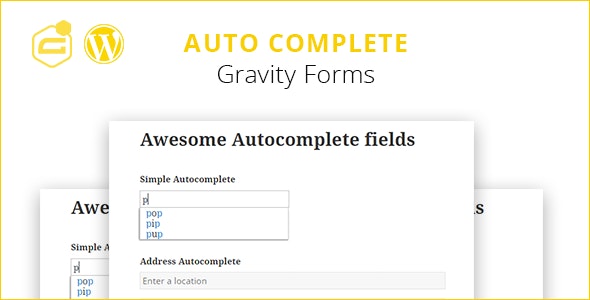
Gravity Forms Auto Complete - and address field is a Wordpress plugin that adds smart autocomplete to Gravity Forms address fields, speeding up form completion with real-time suggestions. It saves users time and reduces input errors, improving conversions. Easy to set up and integrate with Gravity Forms, delivering a smoother, frictionless form experience.
Description
Gravity Forms Auto Complete - and address field is a WordPress plugin built for Gravity Forms address fields. As visitors type, it offers real-time autocomplete suggestions to help them complete address information faster and more accurately.
This reduces repetitive typing, minimizes input mistakes, and helps lower friction in form journeys. It’s designed to integrate smoothly with your existing Gravity Forms setup, so you can improve the user experience without redesigning your forms.
Main Features
- Autocomplete for address fields — Adds smart suggestion behavior to Gravity Forms address inputs.
- Real-time suggestions — Shows possible completions while the user types.
- Faster form completion — Helps visitors complete addresses with fewer keystrokes.
- Lower typo rate — Reduces common address entry errors that lead to validation problems.
- Designed for Gravity Forms — Works as an add-on for your existing Gravity Forms forms and fields.
- Simple WordPress setup — Integrates through the WordPress admin workflow used for Gravity Forms add-ons.
- Supports multi-field forms — Helps when your form collects address details alongside other inputs.
- Smoother user experience — Improves usability by making address entry more guided and predictable.
Benefits
- Higher conversions — Less friction can improve submission rates on lead, checkout, or request forms.
- Better UX — Autocomplete reduces effort and keeps users moving through the form.
- Fewer form errors — More accurate address entries help avoid failed validations and resubmissions.
- More reliable data — Cleaner address data supports downstream workflows like shipping, follow-ups, and record-keeping.
- Time savings for users — Visitors spend less time typing addresses letter by letter.
Who is it suitable for?
- WooCommerce stores using Gravity Forms for checkout-related address capture.
- Business websites running lead generation or quote request forms with address inputs.
- Agencies building WordPress sites that need improved form usability.
- Service providers collecting addresses for scheduling, onboarding, or fulfillment.
- Content and community sites running applications, registrations, or surveys that include addresses.