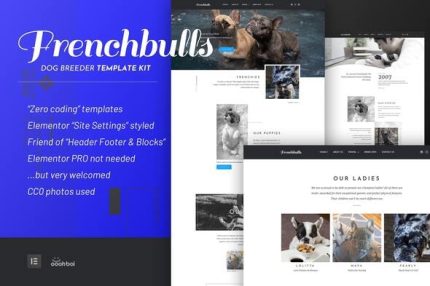
Frenchbulls – Dog Breeder Elementor Template Kit
| Cetegory: | Business & Services |
|---|---|
| Full Preview: | Frenchbulls |
| More Info: | Themeforest |
| HOW TO INSTALL |
Description
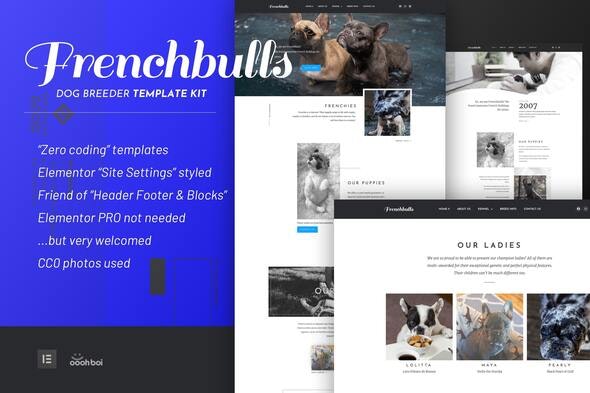
FrenchBulls Dog Breeder Template Kit, built with and editable by Elementor only. A perfect package for any dog breeder website! This collection of templates has a modern, clean, and unique design, it features a 100% responsive layout and its easy to customize. TIP: copy and paste columns or sections across templates and thus create totally unique layouts.
Features
- 10 Zero codings templates included
- Customizable header and footer
- Built with the free version of Elemntor (Pro is not needed)
- Uses only free plugins
- Elementor Site Settings styled
- Awesome user support
Templates included
- Global Theme Style
- Homepage 01
- Homepage 02
- About Us
- All Dogs Page
- Ladies
- Studs
- FAQ Page
- Breed Info
- Contact Us
- Header
- Footer
Required Plugins
- Elementor
- Elementor Header, Footer & Blocks
- OoohBoi Steroids for Elementor
- Contact Form 7
- Awesome Contact Form7 for Elementor
How to Install:
- Install and Activate the Envato Elements plugin from Plugins > Add New in WordPress
- Do not unzip
- Go to Elements > Installed Kits and click the Upload Template Kit button.
- Before importing a template, ensure the Install Requirements button is clicked to activate required plugins
- For best results, do not import more than one template at a time.
If you are new to Template Kits please follow/use STEP-BY-STEP installation guide
Credits
All the images used with this template kit are CC0 or equivalent.
Home Page II video-background by https://vimeo.com/294474051