Foxy 1.1.0 – WooCommerce Product Image Gallery Slider Carousel
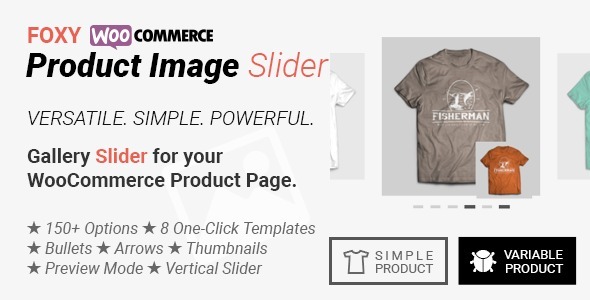
Foxy is a WordPress product gallery plugin that lets you craft a unique gallery without coding. It delivers powerful visuals with bullets, arrows, thumbnail sliders and image previews, plus brand‑matching colors and style to boost engagement. Easy setup, seamless integration, and a modern design make it the ideal choice for showcasing products.
Description
Foxy is a WordPress product gallery plugin that helps you create a unique, customized gallery without coding. It’s built for showcasing product images in a way that feels intentional, not generic—using visual navigation and preview options that users can explore naturally.
With Foxy, you can add bullets, arrows, thumbnail sliders, and image previews, then fine-tune the gallery’s colors and styling to match your brand. The result is a modern, easy-to-setup gallery experience that improves how visitors discover and review your product photos.
Main Features
- Bullet navigation — Add clear bullet controls to help users jump between images.
- Arrow controls — Use left/right arrows for straightforward gallery browsing.
- Thumbnail slider — Present thumbnails in a slider so users can preview multiple images quickly.
- Image previews — Enable on-gallery previews to make image selection more intuitive.
- Color customization — Match gallery elements to your existing brand colors.
- Style customization — Adjust the gallery look so it aligns with your WordPress theme and design.
- No-code setup — Build and configure the gallery without custom development work.
Benefits
- More engaging browsing — Navigation controls and thumbnails encourage users to explore images.
- Better product clarity — Previews and quick switching help visitors review details faster.
- Stronger brand consistency — Color and style options keep the gallery visually aligned with your site.
- Smoother UX — A modern, structured gallery improves the way visitors interact with product visuals.
Who is it suitable for?
- WooCommerce stores looking to enhance product image presentation
- WordPress business sites that want a more polished gallery on product pages
- Agencies building consistent visual experiences for multiple client websites
- Freelancers creating product-focused landing pages and showcases
- Content teams that update image galleries frequently without technical work