for WP Marketplace & Multi Vendor 1.2.7
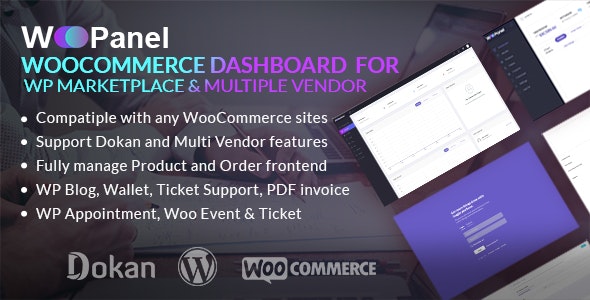
for WP Marketplace & Multi Vendor delivers a unified WooCommerce dashboard that consolidates reports into a single view, helping admins monitor KPIs and forecast outcomes quickly. Highly customizable to fit your department or business, it improves decision-making with clear insights. Type: WooCommerce.
Description
for WP Marketplace & Multi Vendor is a WooCommerce plugin for WordPress that creates a unified admin dashboard by consolidating multiple reports into a single screen. Instead of switching between screens, store administrators can review key insights in one place. The dashboard highlights KPI-style metrics, key data points, and department or process performance signals.
It’s designed to support faster monitoring and clearer decision-making, including trend-based forecasting from the information board. With customization options, the WooCommerce dashboard can be aligned to your business needs, so your team can interpret data more quickly.
Main Features
- Unified WooCommerce dashboard — Brings multiple reports into one consolidated view for admin monitoring.
- Single display screen — Provides an information board layout that reduces context switching.
- KPI and metric widgets — Shows key performance indicators and essential metrics for ongoing visibility.
- Visual tracking — Presents analyses in a way that helps admins spot changes in performance at a glance.
- Department or process overview — Focuses on the health of a business area or specific workflow.
- Customizable dashboard layout — Adjusts what’s shown to match your organization’s reporting needs.
- Actionable insights — Organizes data into clearer summaries to support day-to-day decisions.
- Forecast-oriented view — Helps admins make predictions based on dashboard trends and outcomes.
Benefits
- Faster KPI monitoring — Reduces time spent searching across WooCommerce reports.
- Improved decision-making — Transforms raw metrics into a clear overview for smarter choices.
- Better operational visibility — Helps teams understand department or process health more consistently.
- Clearer reporting UX — A single dashboard view supports quicker interpretation and fewer interruptions.
- Trend-based forecasting — Enables prediction of outcomes using dashboard insights over time.
Who is it suitable for?
- WooCommerce admins managing KPIs across teams.
- Multi-vendor marketplaces that need consolidated reporting.
- Ecommerce businesses tracking department or process performance.
- Agencies building WordPress and WooCommerce sites with unified dashboards.
- Operations-focused organizations that rely on frequent performance review cycles.