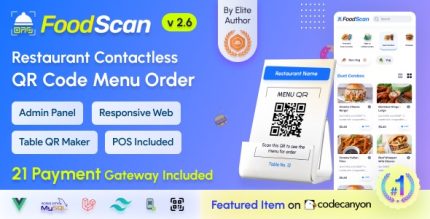
FoodScan 2.6 – Qr Code Restaurant Menu Maker and Contactless Table Ordering System with Restaurant POS
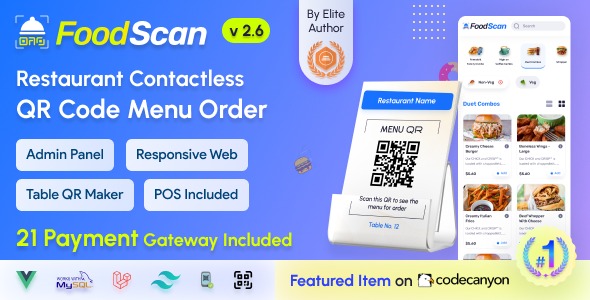
FoodScan is a Scripts solution that enables contactless table ordering via QR menus, letting customers scan, browse, and place orders with ease. The main benefit is faster, safer dining and higher table turnover, plus seamless WordPress integration, design flexibility, and easy setup. Explore now.
Description
FoodScan is a PHP scripts solution for contactless table ordering using QR menus. It lets diners scan a code, browse the menu, and place orders without interacting with a shared device or paper menu.
Designed for faster, safer dining, FoodScan helps restaurant teams reduce friction at the table while supporting smoother service flow. With seamless WordPress integration, you can publish QR menus within your site and match the look of your current theme.
The included QR Menu Maker and flexible layout options make it straightforward to create table-ready menus and roll them out across your venue with easy setup.
Main Features
- QR menu creation — Build QR menus for your tables so customers can start ordering with a quick scan.
- Contactless ordering flow — Enables diners to browse and submit orders remotely from their own mobile devices.
- Menu browsing for customers — Provides a clear, scan-to-menu experience for selecting items.
- Order placement — Lets customers send their table orders through the QR menu interface.
- WordPress integration — Fits into a WordPress site so you can manage the experience within your existing setup.
- Design flexibility — Helps you align the QR menu presentation with your theme’s styling for a consistent UX.
- Easy setup — Streamlines configuration so you can deploy the QR menus without complex steps.
- Table ordering use case — Supports a practical restaurant flow focused on per-table browsing and ordering.
Benefits
- Faster table service — Reduces time spent on ordering, helping improve table turnover.
- Safer dining experience — Minimizes shared touchpoints by moving ordering to customer devices.
- Better UX for diners — Offers a simple scan-and-browse interface that’s easy to use at the table.
- Seamless WordPress experience — Keeps your QR menu presentation consistent with your website workflow.
- Design consistency — Supports a cohesive look with your current WordPress theme.
Who is it suitable for?
- Restaurants and cafés offering table ordering via QR menus
- WordPress-powered hospitality websites that want a built-in ordering experience
- Digital menu projects using theme customization and flexible page layouts
- Agencies building QR-based UX for local venues
- Operations teams looking to improve table turnover and reduce ordering delays
- Food entrepreneurs testing contactless ordering workflows