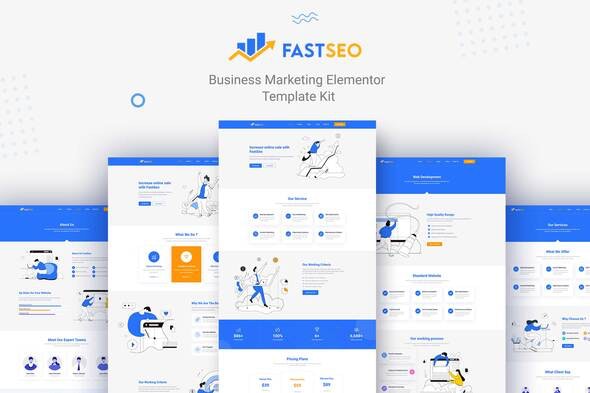
FastSEO – Business Marketing Elementor Template Kit
| Cetegory: | Business & Services |
|---|---|
| Full Preview: | FastSEO |
| More Info: | Themeforest |
| HOW TO INSTALL |
Description
Fastseo Business Marketing Elementor Template Kit is a modern Services Elementor Template Kit . Ideal for the SEO, Creative Digital Agency, Apps, Marketing, Consulting, Start-Up, Tech Business, Financial Companies, and related any business website. This Elementor template carefully crafted by experience designers with great attention to details, flexibility, and performance specifically for developing unique websites and themes based on WordPress.
There are templates available
- Homepage I
- Homepage II
- About Us
- Our service
- Services 1
- Services 2
- Pricing Table
- Contact Us
- FAQ
- 404
Font in Use
- Roboto
Required Plugins
- Elementor
- Stratum Elementor Widgets
- ElementsKit Lite
- MetForm
How to Install:
- Install and Activate the Envato Elements plugin from Plugins > Add New in WordPress
- Do not unzip
- Go to Elements > Installed Kits and click the Upload Template Kit button.
- Before importing a template, ensure the Install Requirements button is clicked to activate required plugins
- For best results, do not import more than one template at a time.
Setup Global Header and Footer in Header Footer & Blocks plugin
- Import the header and footer template
- Go to Appearance > Header Footer and click Add New button
- Give it a title and select Header, Display on Entire Site and click Publish
- Click Edit with Elementor
- Click the gray folder icon to access My Templates tab and select the header template to import and Update.
- Repeat for Footer
This Template Kit uses demo images from Envato Elements. You will need to license these images from Envato Elements to use them on your website, or you can substitute them with your own.