FAQPlus WordPress FAQ Plugin 3.0
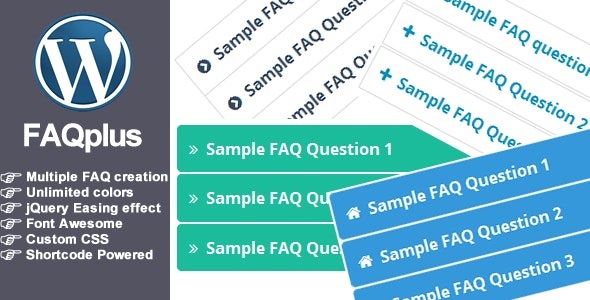
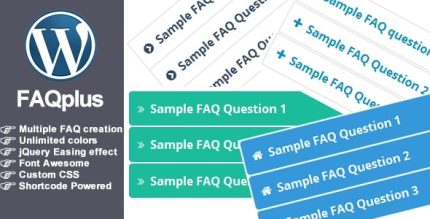
FAQPlus WordPress FAQ Plugin lets you display FAQs anywhere—from posts to widgets—with customizable CSS and 25+ easing animations for a polished look. It streamlines support by delivering instant answers, boosting engagement and conversions with a smooth, user-friendly experience. Easy shortcode deployment, seamless theme integration, and clear design make it a top choice for your WordPress site.
Description
FAQPlus WordPress FAQ Plugin helps you create organized Frequently Asked Questions and display them across your WordPress site wherever visitors need clarity. Instead of long explanations, it delivers quick answers in an easy-to-scan format that supports better engagement. You can style each FAQ group with customizable CSS and use 25+ easing animations for a polished, consistent presentation. With shortcode-based placement, FAQs can appear in posts, pages, widgets, and even within your theme, making it simple to fit into your existing layout. The result is a smoother user experience that can reduce repeated questions and guide visitors to the information they want.
Main Features
- FAQ group organization — Create FAQs in grouped sets to keep content structured.
- Shortcode display — Insert FAQs into content using shortcodes.
- Anywhere in posts and pages — Show FAQ sections directly inside post and page layouts.
- Widget support — Place FAQs in widget areas for flexible site-wide placement.
- Theme integration via shortcode — Add FAQ output within your theme where shortcodes are supported.
- Customizable CSS per group — Apply design controls to every FAQ group for consistent styling.
- 25+ easing animations — Use animation effects to make FAQ interactions feel smooth.
- Clear presentation — Keep questions and answers easy to read and navigate.
Benefits
- Faster answers — Help users find information quickly, reducing friction from repeated questions.
- Improved engagement — Encourage interaction with animated, easy-to-scan FAQ sections.
- Better UX — Deliver support-style content directly where visitors are reading.
- Consistent branding — Use customizable CSS per group to match your theme’s look and feel.
- Higher conversions — Clarify key questions that can influence purchase or signup decisions.
Who is it suitable for?
- WooCommerce stores with product and shipping FAQs
- Business websites that need a clear support knowledge base
- Blogs and content sites that want structured Q&A sections
- Agencies building FAQ pages for multiple clients
- Online education or membership platforms with common learner questions
- Any WordPress site that benefits from shortcode-based content placement