EmailKit Pro 1.0.6
Description
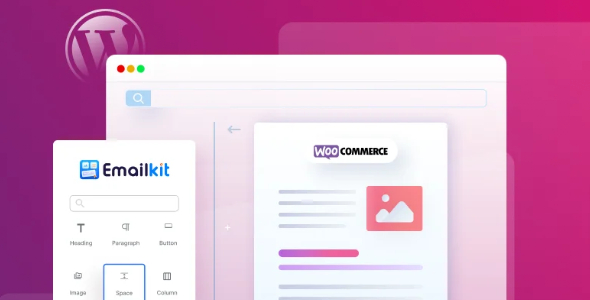
EmailKit Pro is a WordPress plugin that lets you customize the default emails sent by WordPress and WooCommerce using a no-code, drag-and-drop visual template builder. Instead of relying on bland transactional templates, you can build branded email layouts that match your store’s style. It helps solve a common problem for online shops: important messages look generic, so customers are less likely to trust, click, and come back. With easy styling options and reusable elements, EmailKit Pro streamlines email customization directly inside your WordPress admin.
Whether you want to refresh order emails, customer notifications, or other default WooCommerce communications, this plugin turns every send into a more engaging experience—supporting better conversion and repeat purchasing goals.
Main Features
- No-code drag-and-drop builder — Create and adjust email templates visually without writing HTML or CSS.
- Default email template customization — Style the email layouts provided by WordPress and WooCommerce.
- Visual template editor — Edit your templates through a clear, page-style interface.
- Reusable email elements — Add flexible content building blocks to structure your messages.
- Versatile styling options — Fine-tune visual appearance so emails reflect your branding.
- Brand-consistent layouts — Replace generic email designs with layouts that look like your business.
- Faster template changes — Update email designs quickly in the WordPress workflow.
- Improved store communication — Upgrade how transactional emails present information to customers.
Benefits
- Higher conversions — Better-designed emails encourage more clicks and purchases from new customers.
- More repeat buyers — Branded follow-up messaging helps customers return after their first order.
- Better customer UX — Clear, well-styled templates improve readability and engagement.
- Less manual work — No-code editing reduces the time spent on email customization.
- Consistent branding — Keeping templates aligned with your style strengthens recognition across campaigns.
Who is it suitable for?
- WooCommerce store owners who want branded transactional emails.
- WordPress businesses looking to improve customer communication.
- Ecommerce marketers focused on conversion and retention.
- Agencies managing multiple WordPress/WooCommerce client sites.
- Content and brand teams refining the look of email notifications.