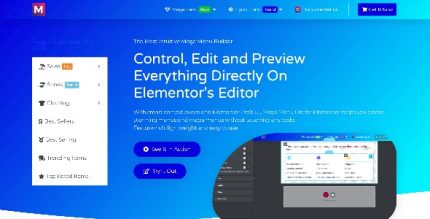
Elemental Menu 2.1.4
Description
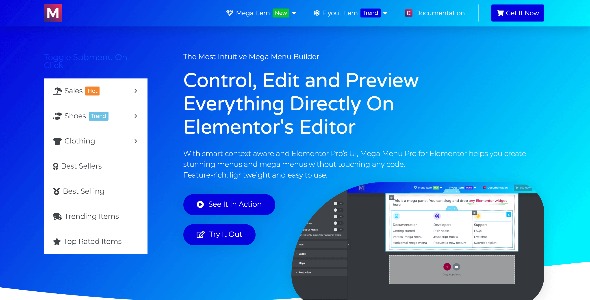
Elemental Menu is a WordPress menu solution designed for Elementor users who want more control over navigation than the default menu output. It helps you take an existing WordPress menu and display it inside Elementor layouts, pages, and template kits with cleaner styling and consistent UX. If your theme’s navigation doesn’t match your design needs, this Elementor plugin/widget lets you rebuild the menu appearance while keeping your site’s structure. The result is a more user-friendly header experience that supports responsive browsing across devices.
By combining Elementor controls with WordPress menu content, Elemental Menu streamlines the process of creating a polished navigation system for WooCommerce storefronts and content sites. It’s especially useful when you’re customizing templates in Elementor Theme Builder or refining sections across multiple pages.
Main Features
- Elementor-ready menu output — Renders your navigation inside Elementor for flexible page layouts.
- Uses existing WordPress menus — Select menu items from your WordPress Menus screen without rebuilding content.
- Responsive layout controls — Supports different navigation presentation across desktop, tablet, and mobile views.
- Menu styling options — Adjust colors, typography, spacing, and alignment to match your theme and brand.
- Hover and active state customization — Improve clarity with tailored link and submenu behaviors.
- Multi-level navigation — Keeps nested menu structures usable and readable.
- Widget-based placement — Place the menu where you need it, such as headers, landing pages, or template parts.
Benefits
- Better navigation UX — Makes menus easier to scan and interact with on every device.
- More consistent branding — Aligns menu design with your theme, typography, and layout style.
- Higher engagement — Clearer menus encourage visitors to explore key pages and categories.
- Faster page customization — Update navigation presentation in Elementor without complex theme edits.
- SEO-friendly experience — Improves user signals through smoother UX and stronger internal linking paths.
Who is it suitable for?
- WooCommerce stores using Elementor headers and category navigation.
- WordPress site owners rebuilding navigation within Elementor page layouts.
- Web agencies creating consistent template kits for multiple clients.
- Bloggers and content sites that need clearer section-based menus.
- Online schools and directories that organize many pages and subpages.
- Marketing teams maintaining landing pages with customized navigation.