Easy Side Tab Pro 2.0.7 – Responsive Floating Tab Plugin For WordPress
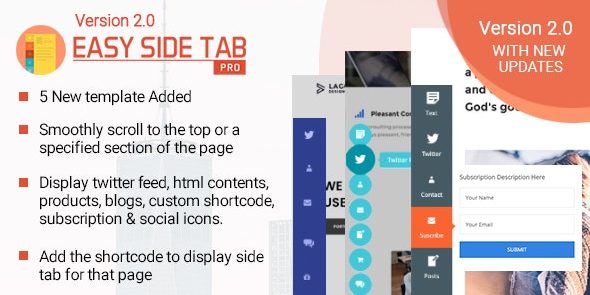
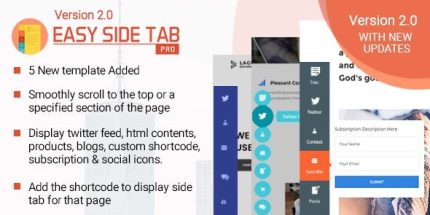
Easy Side Tab Pro is a WordPress call-to-action floating tabs plugin that lets you create multiple side tabs and attach popups to any edge. With a simple backend, each tab can trigger a different action, boosting engagement and conversions. A flexible, easy-to-use design and seamless edge placement make it a breeze to drive clicks—give it a try.
Description
Easy Side Tab Pro is a WordPress call-to-action floating tabs plugin that helps you place interactive tabs on the side or edge of your site. It solves the problem of getting visitors’ attention at the right moment without forcing popups to open randomly. With multiple side tabs, you can connect different click actions to different audiences and pages. Each tab triggers its own popup, letting you guide users toward sign-ups, resources, or key content. The flexible edge positioning and straightforward backend make it practical to add engagement elements across your WordPress theme.
Main Features
- Multiple quick side tabs — Create any number of tabs to target more than one goal.
- Edge-sticking layout — Keep tabs positioned on the vertical or horizontal edges.
- Custom edge placement — Attach tabs to the edge that best fits your design and navigation flow.
- Tab-triggered popups — Open a specific popup when a visitor clicks a tab.
- Different functions per tab — Assign different actions to each tab instead of reusing one interaction.
- User-friendly backend — Manage tab creation and popup assignment from an easy-to-use interface.
- Call-to-action focus — Use dedicated tabs to highlight important site actions where users already look.
Benefits
- Higher engagement — Tabs make CTAs more noticeable, encouraging more clicks.
- Better UX flow — Edge placement keeps prompts available without disrupting your page layout.
- More relevant actions — Different tabs can match different intentions, improving response quality.
- Faster updates — Simple management helps you adjust CTAs without complex setup.
- Conversion support — Click-to-popup interactions help move users from interest to action.
Who is it suitable for?
- WooCommerce store owners adding side CTAs for promotions or announcements
- Landing page creators who want multiple targeted popups
- Marketing teams managing campaigns across WordPress pages
- Agencies building client sites with consistent CTA placement
- Content sites promoting downloadable resources or newsletter sign-ups
- Community or membership sites highlighting account and onboarding actions