Drop Uploader for CF7 2.3.1 – Drag&Drop File Uploader Addon
Drop Uploader for CF7 is a WordPress plugin that adds a drag-and-drop file uploading area to Contact Form 7 forms. Configure multiple upload fields with max files, file sizes, and a type limit, then attach uploads to emails or host them on your server with shareable links. Built-in JavaScript validation prevents errors before upload, delivering a smoother form experience.
Description
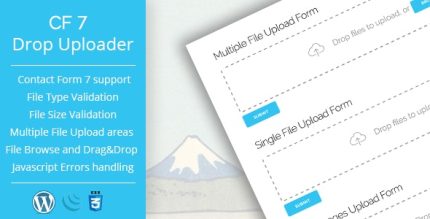
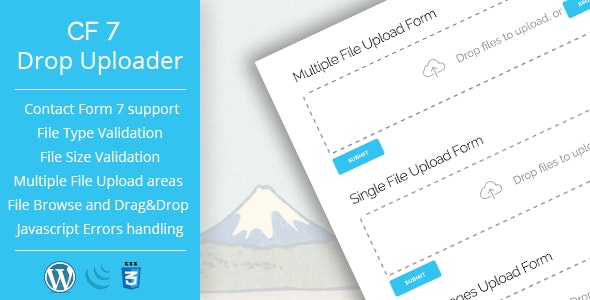
Drop Uploader for CF7 is a WordPress plugin that adds a drag-and-drop file uploading area to Contact Form 7 forms. It solves a common form UX issue by letting users attach files in an intuitive way, without changing your existing CF7 workflow. With configurable upload fields, you can control how many files can be added, what file sizes are allowed, and which file types can be submitted. The plugin also includes JavaScript validation to prevent upload errors before files are sent, helping keep your form submissions smooth and reliable.
Main Features
- Drag-and-drop upload area — Adds an intuitive drop zone to your Contact Form 7 form.
- Multiple upload fields — Create several file uploading areas within a single CF7 form.
- Max files per field — Limit the number of files users can attach for each upload area.
- File size restrictions — Set a maximum file size for each field to reduce failed uploads.
- File type limits — Restrict uploads by allowed file types for better control of submissions.
- Email attachments integration — Send uploaded files as mail attachments through CF7 email sending.
- Dropbox link sending — Use shared links (including Dropbox) instead of attachments when appropriate.
- Server upload with shareable links — Upload files to your server and pass links via email for easier access.
- JavaScript validation — Check file rules in the browser to catch issues before uploading.
Benefits
- Smoother form UX — Drag-and-drop improves usability and reduces friction during attachment.
- Fewer submission errors — Client-side JavaScript validation helps users correct files before upload.
- Better data control — File limits (count, size, and type) keep submissions consistent and manageable.
- Flexible delivery options — Choose between email attachments and shareable links depending on your workflow.
- More efficient handling — Reduced failed uploads means fewer retries and faster completion for users.
Who is it suitable for?
- WooCommerce stores using Contact Form 7 for order-related requests
- Service businesses collecting contracts, documents, or supporting files
- Agencies managing client intake forms with multiple attachments
- Content creators receiving media files through web forms
- Online schools and training sites collecting student documents
- Websites that prefer shareable links over email attachments